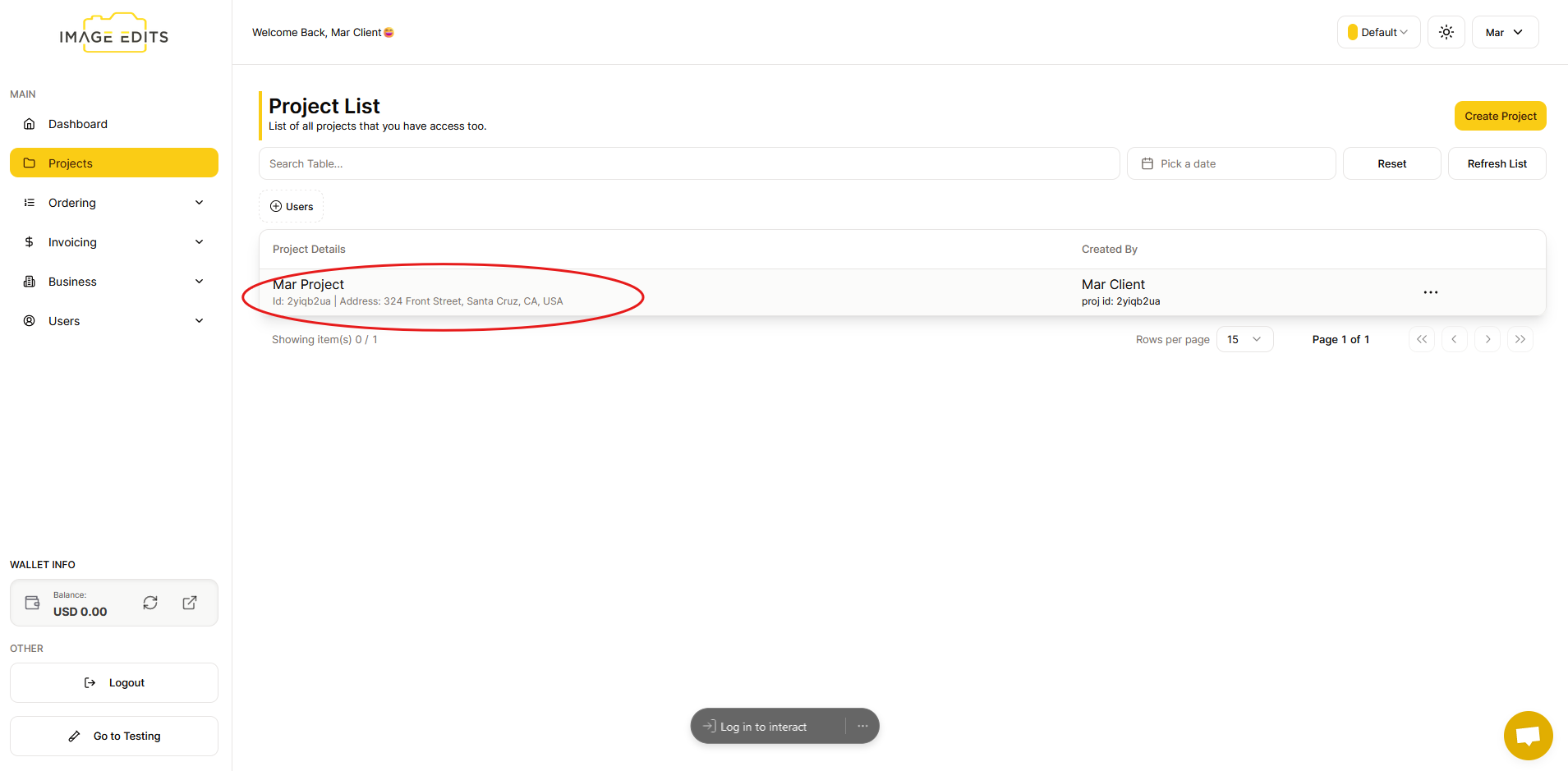
Project Create Flow
Create Project Flow
This section will guide you through the process of creating a project.
Step 1: Navigate to Project Section & Start Project Creation
To begin, go to project section
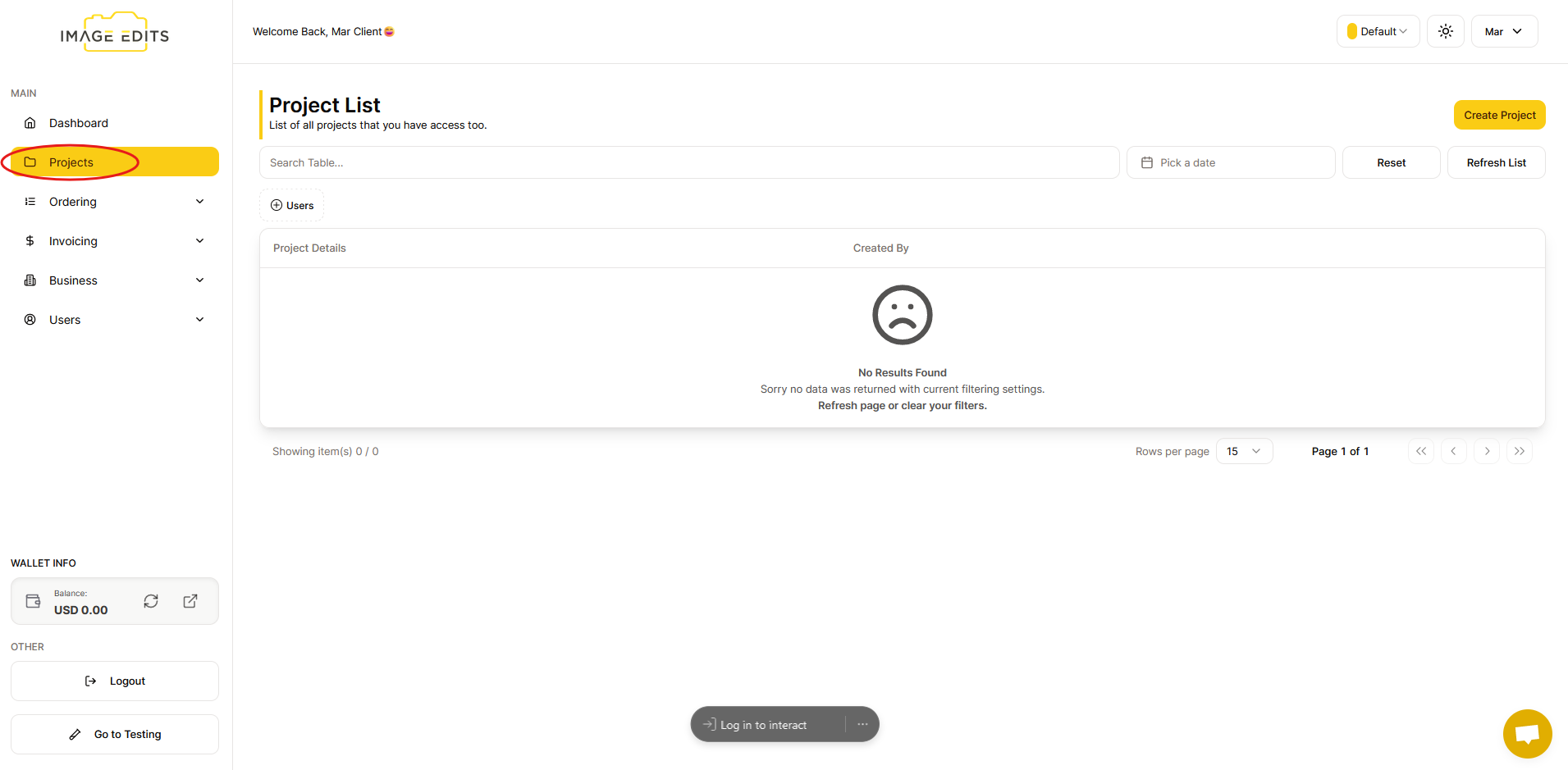
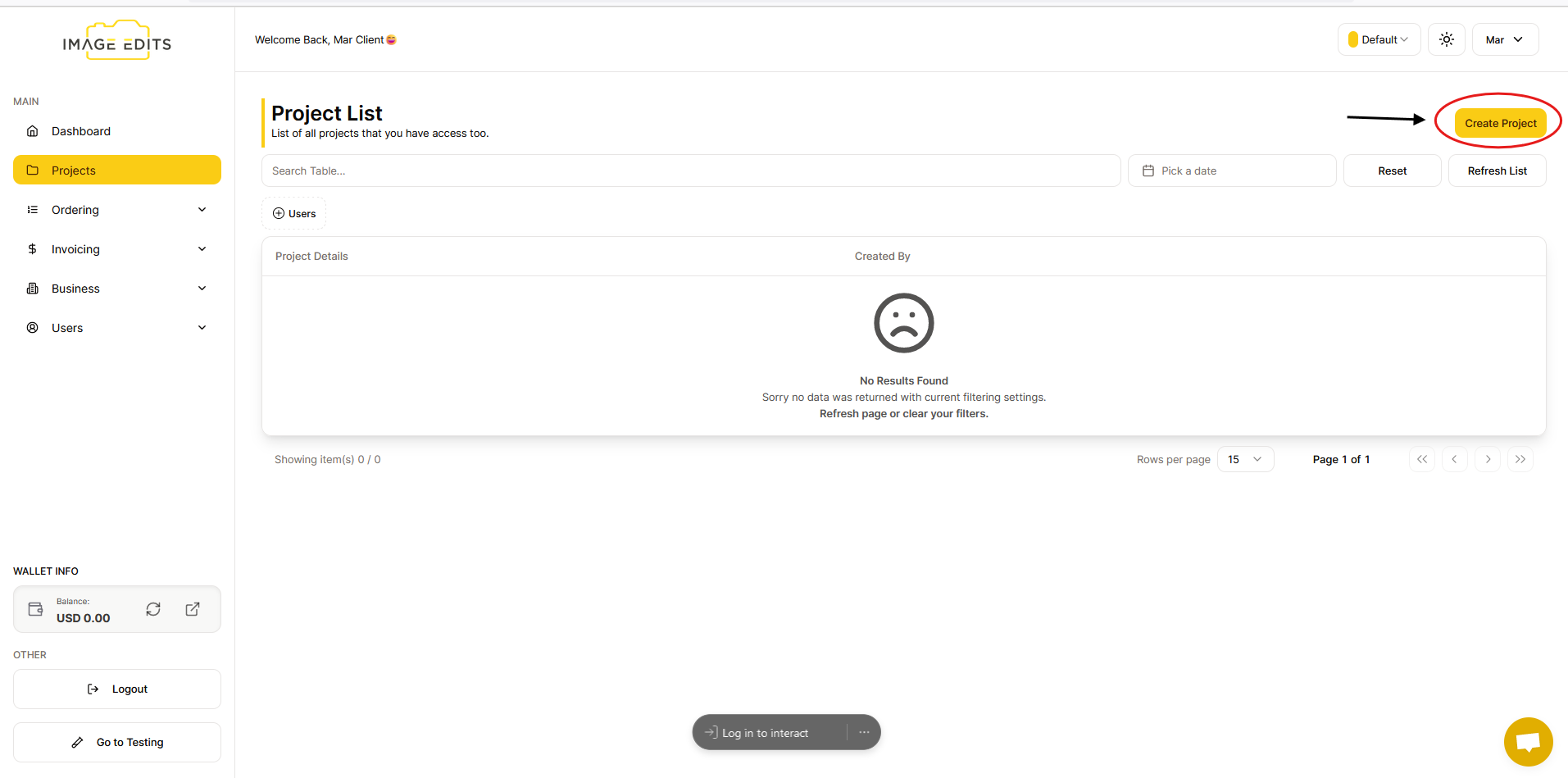
From the image above, you'll notice that you'll be directed to the project list, where the "create project" button is located on the right side.
Step 2: Fill Out Project Creation Form
To create project, input your project name and address first then click the “create project” button.
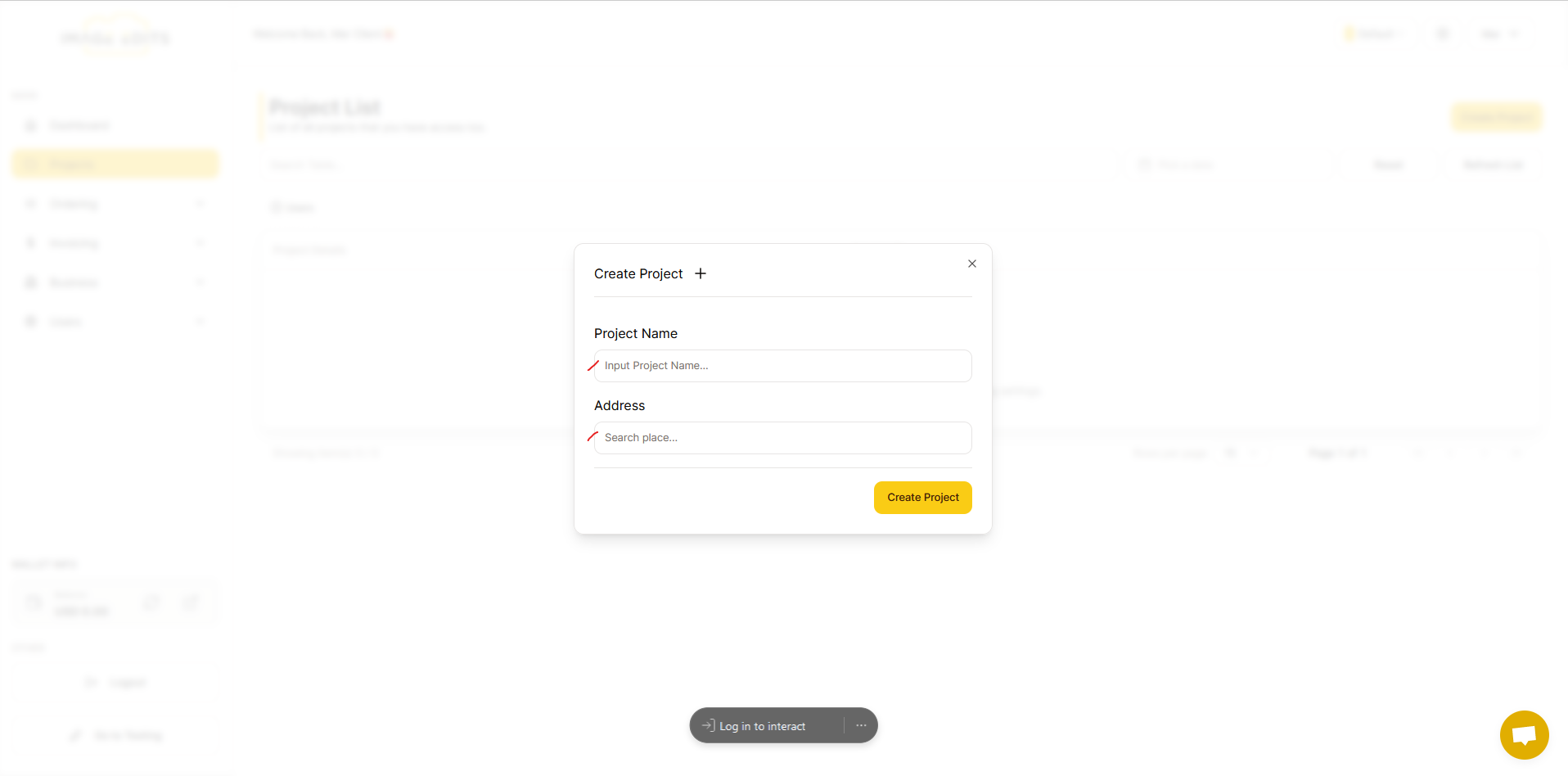
You can input any random project name, for example, "Mar project", and then search for your address.
Once you have finished, you will see your newly created project displayed on your project list.