Email Verification
This section will guide you through the process of confirming your email account, ensuring it is verified and ready for use.
Step 1: Check Email From Image Edits
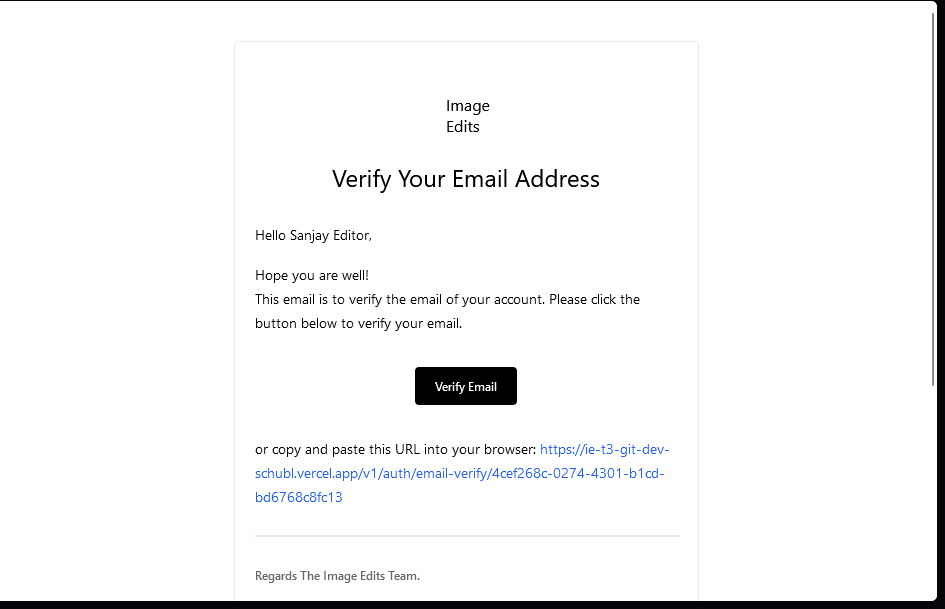
After signing up, check your email inbox and once you receive the email verification. The email should be from "Imag Edits", with from email of "system@imageedits.com".
If you don't see the email, please check your spam folder.
This is example of what the email should look like:
Step 2: Click Button Or Copy the Link
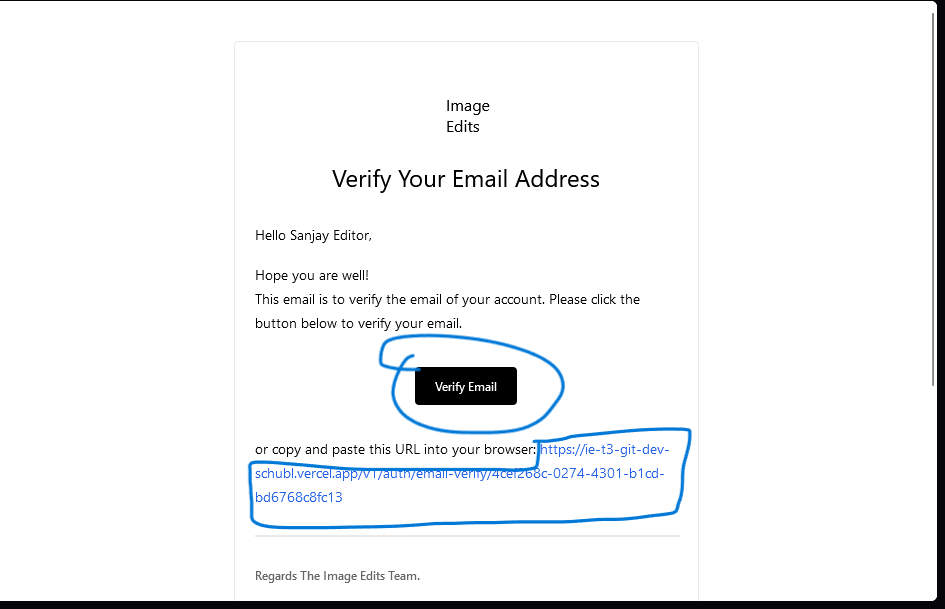
See image below, you'll either want to click that button or copy the link and paste it into your browser. This will take you to the dashboard and verify your email with your account.
Step 3: On Email Verification Page
After you click the button or paste the link into the search bar, you will see that your email is now verified.
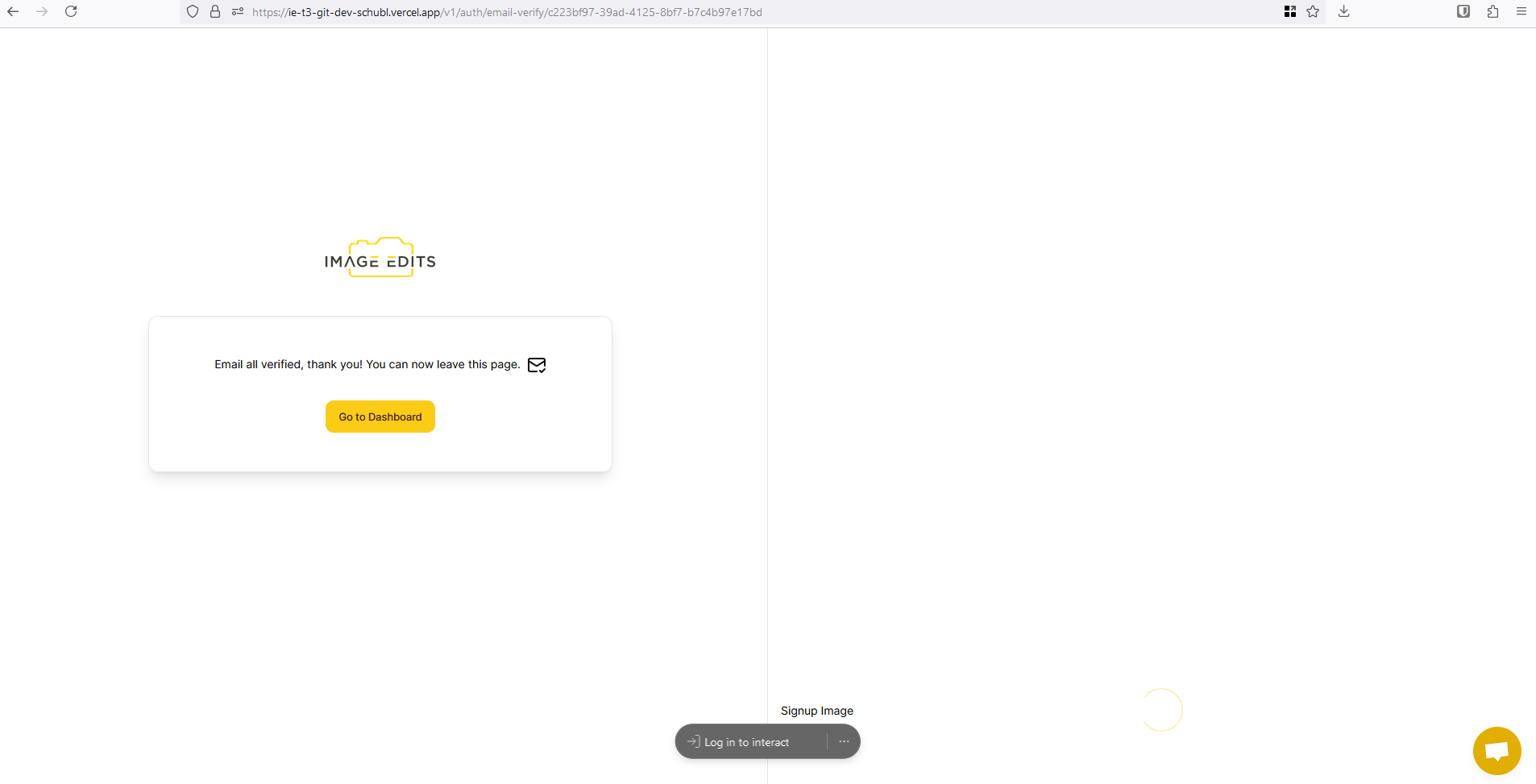
Your account email is now verified. You can now leave the page, click the "Go to dashboard" button to leave the page.