Logging In
Login User Account
This section explains how to log in to the Image Edits Dashboard App.
Step 1: Opening Website
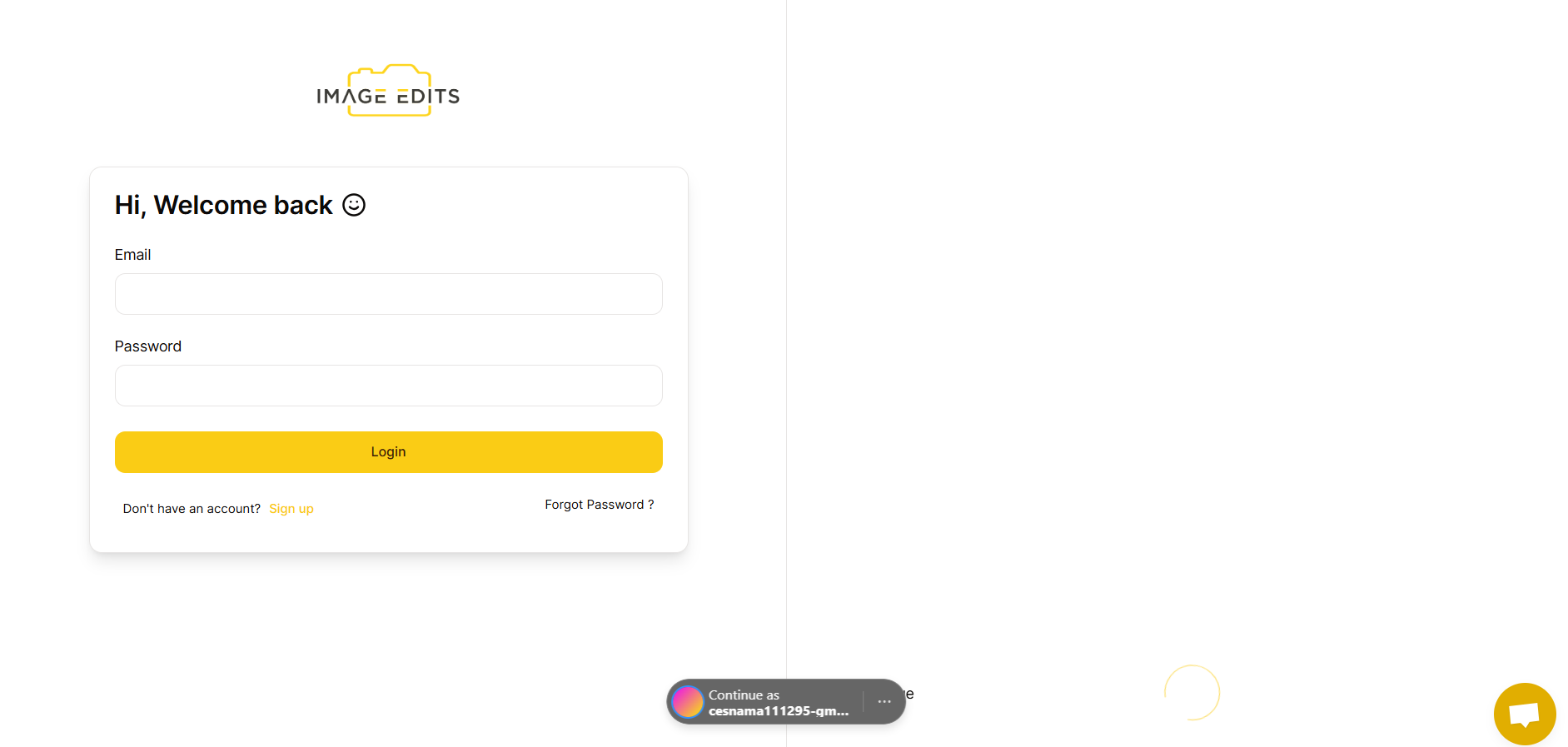
Open https://dash.imageedits.com/ in your browser. If you are not already logged in, you will be redirected to the login page.
Step 2: Input Email and Password
Enter your email and password, then click Login.
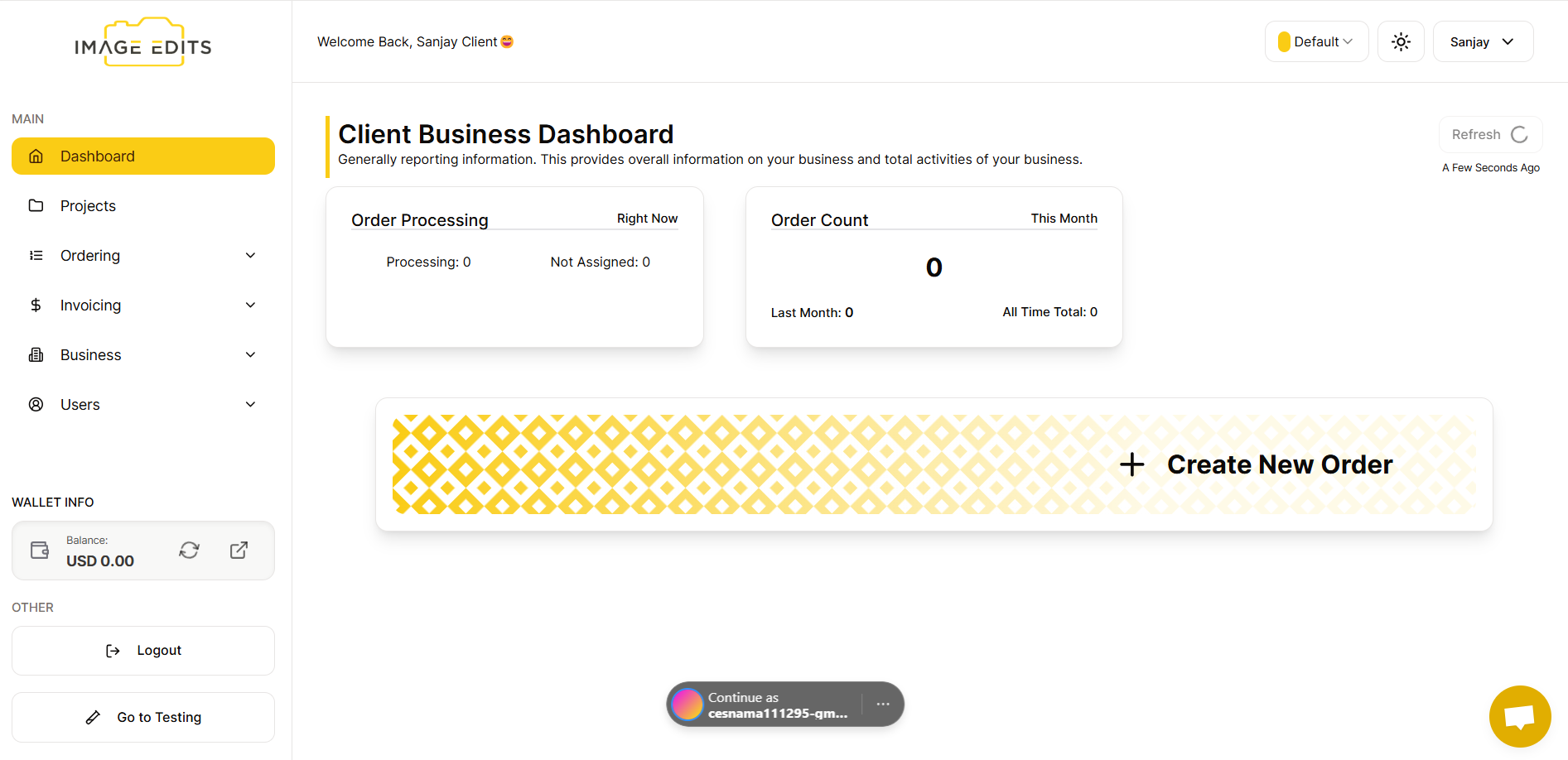
After login, you will be taken to the Dashboard App.