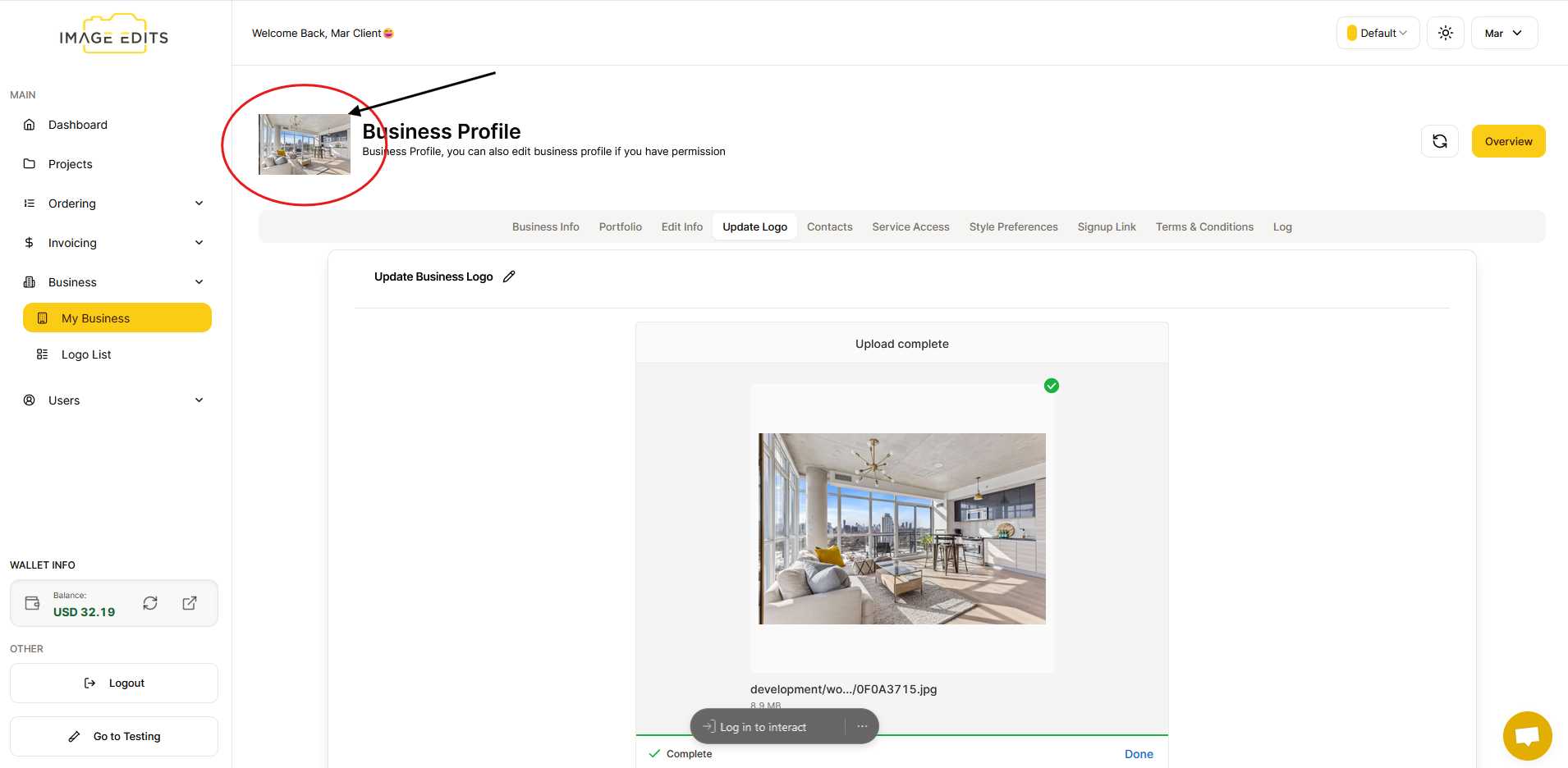
Business Profile Image
Update Business Profile Image
This section will guide you through the process of updating your business profile image.
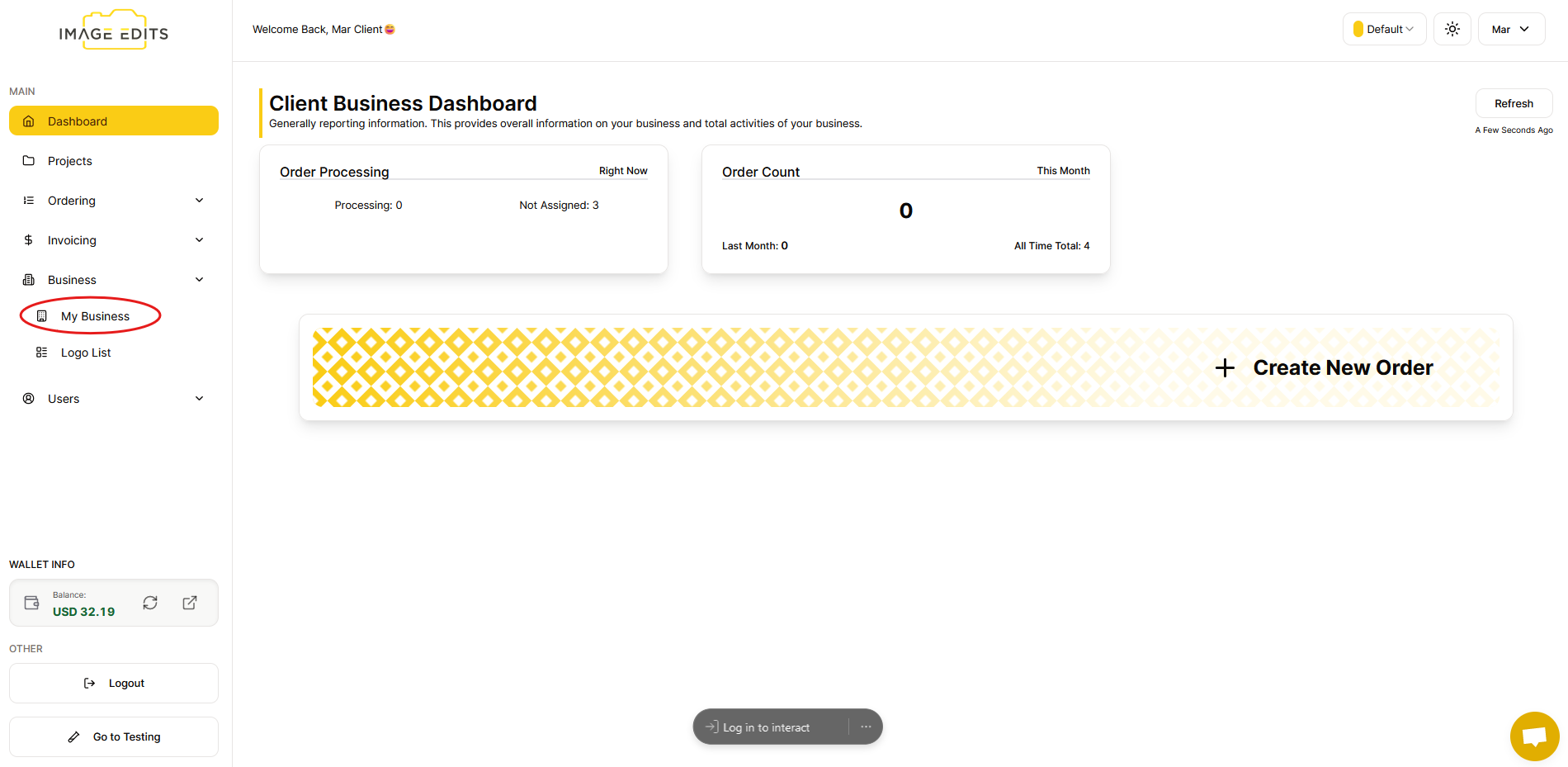
Step 1: Navigate to "My Business"
Click "My business"
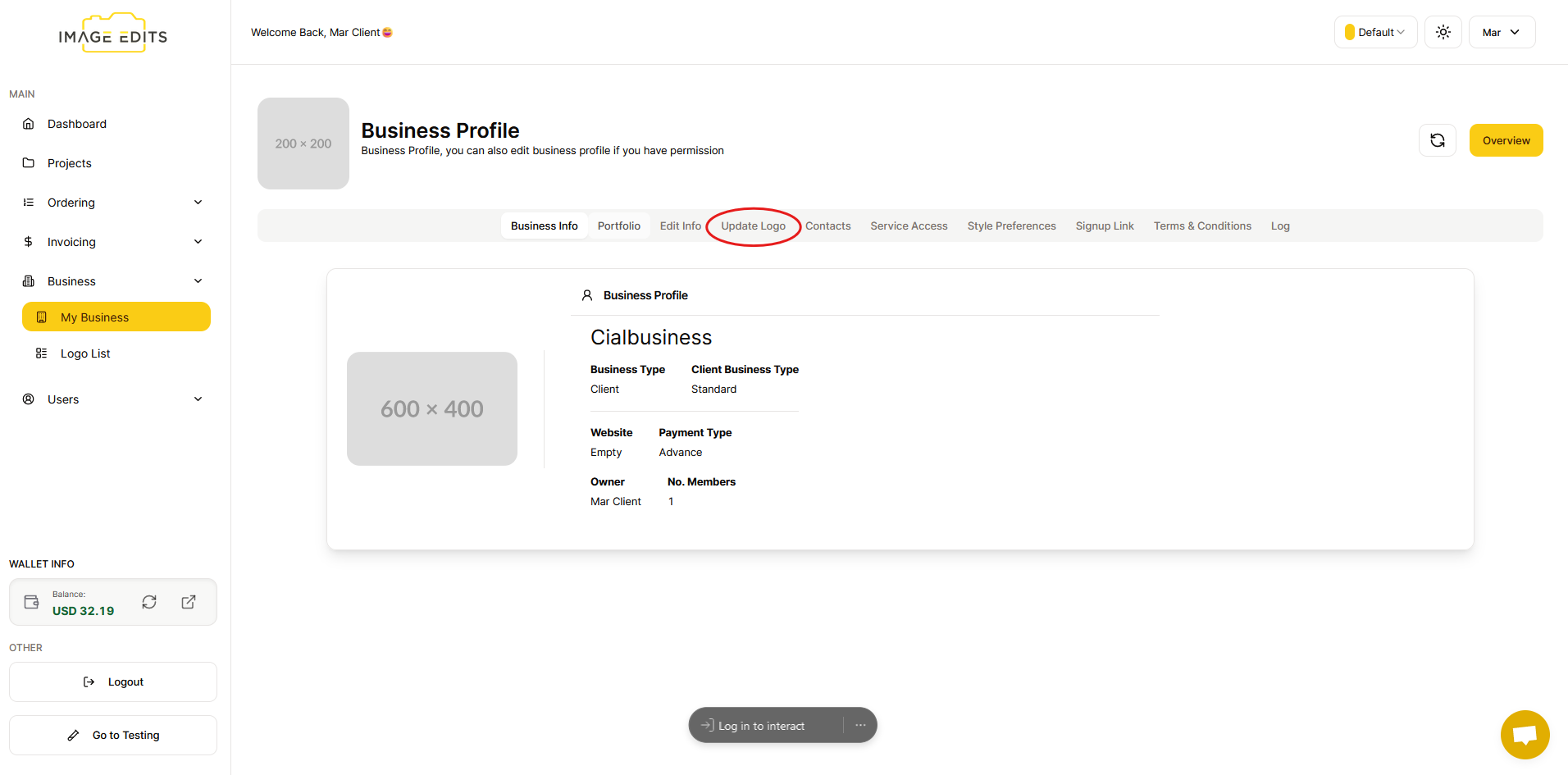
Step 2: Click "Update Logo"
After that, you will go straight to the "business info" and click "update logo"
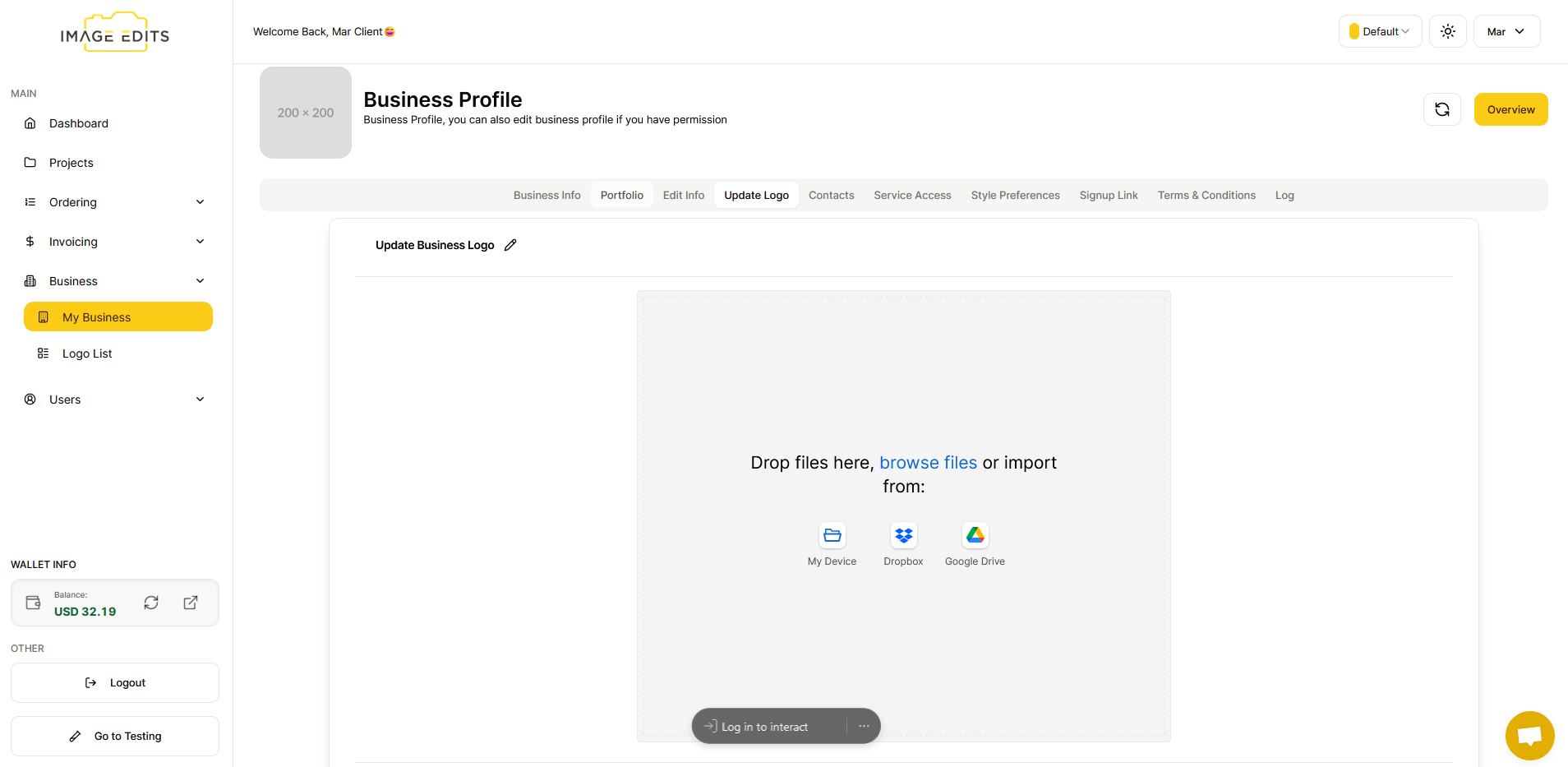
Step 3: Selecting Image
You have the option to upload an image using "My Device," "Dropbox," or "Google Drive," or alternatively, you can drag and drop an image saved in your files.
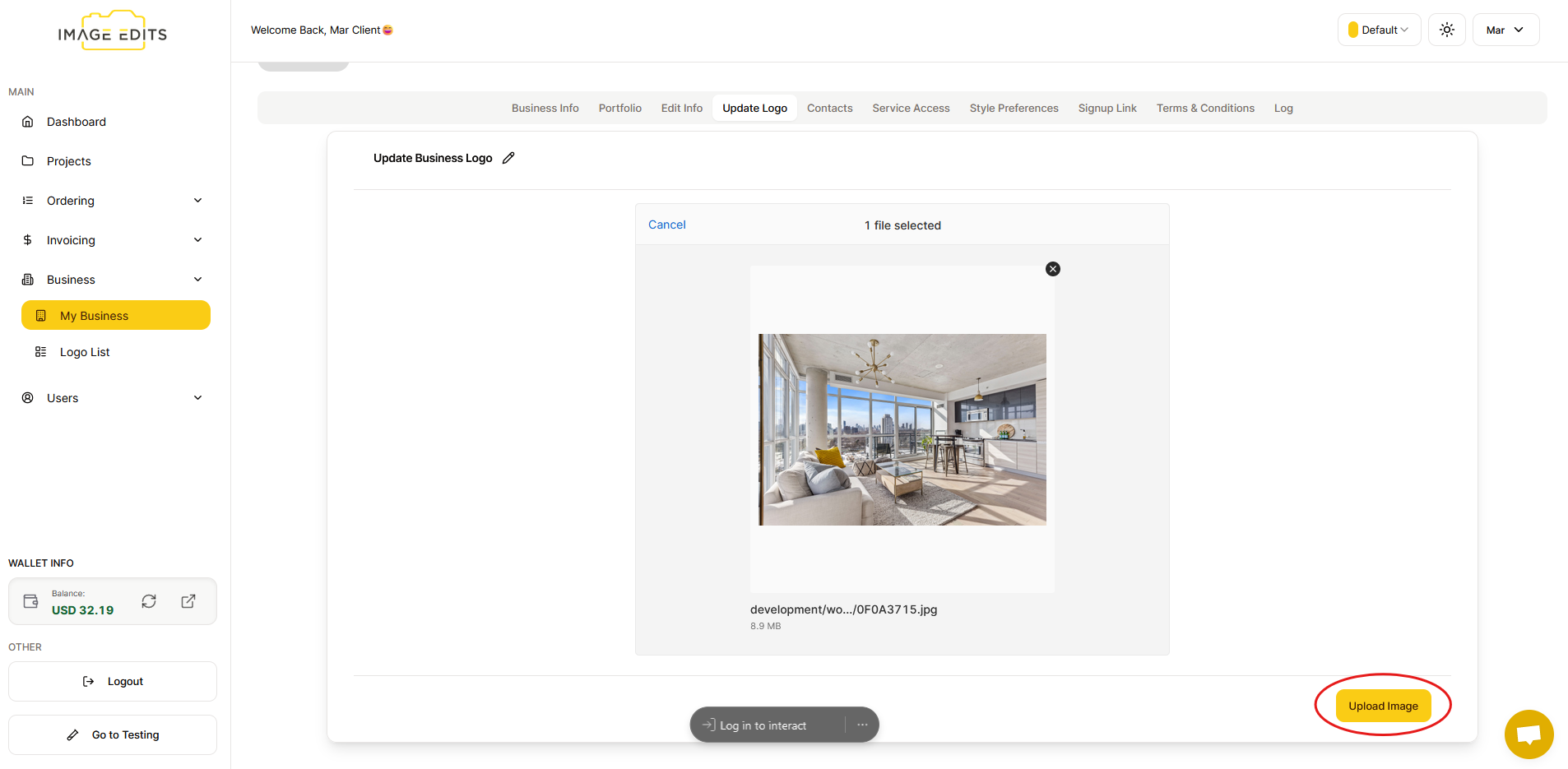
After you select image, click the "upload image" button.
Once the upload is complete, you will see your business profile updated immediately.