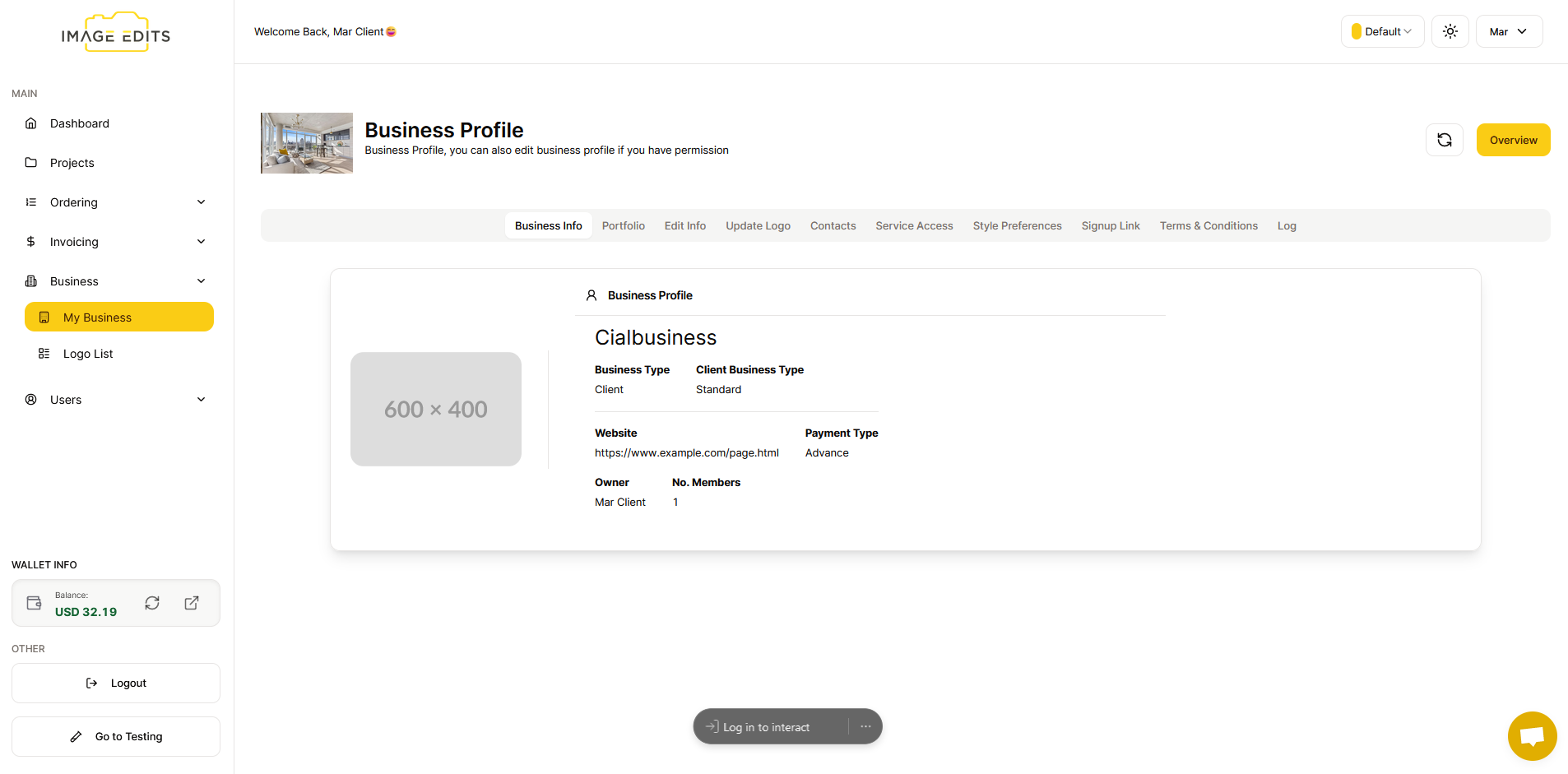
Business Profile Info
Update Business Profile Information
This section will guide you through the process of updating your business profile information.
ONLY Business Owner Or Image Edits Team can edit this section or
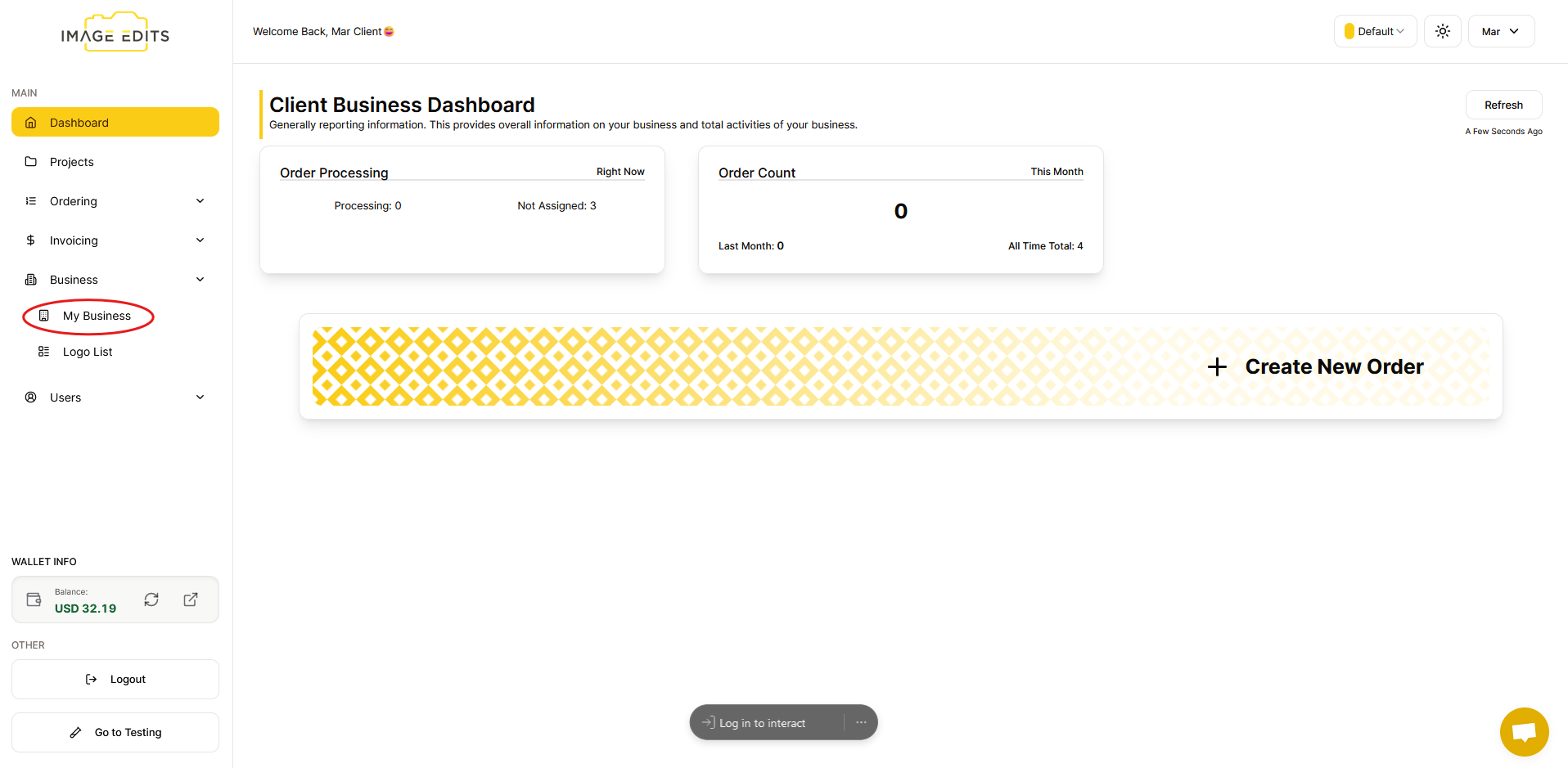
Step 1: Navigate to "My Business"
Click "My business"
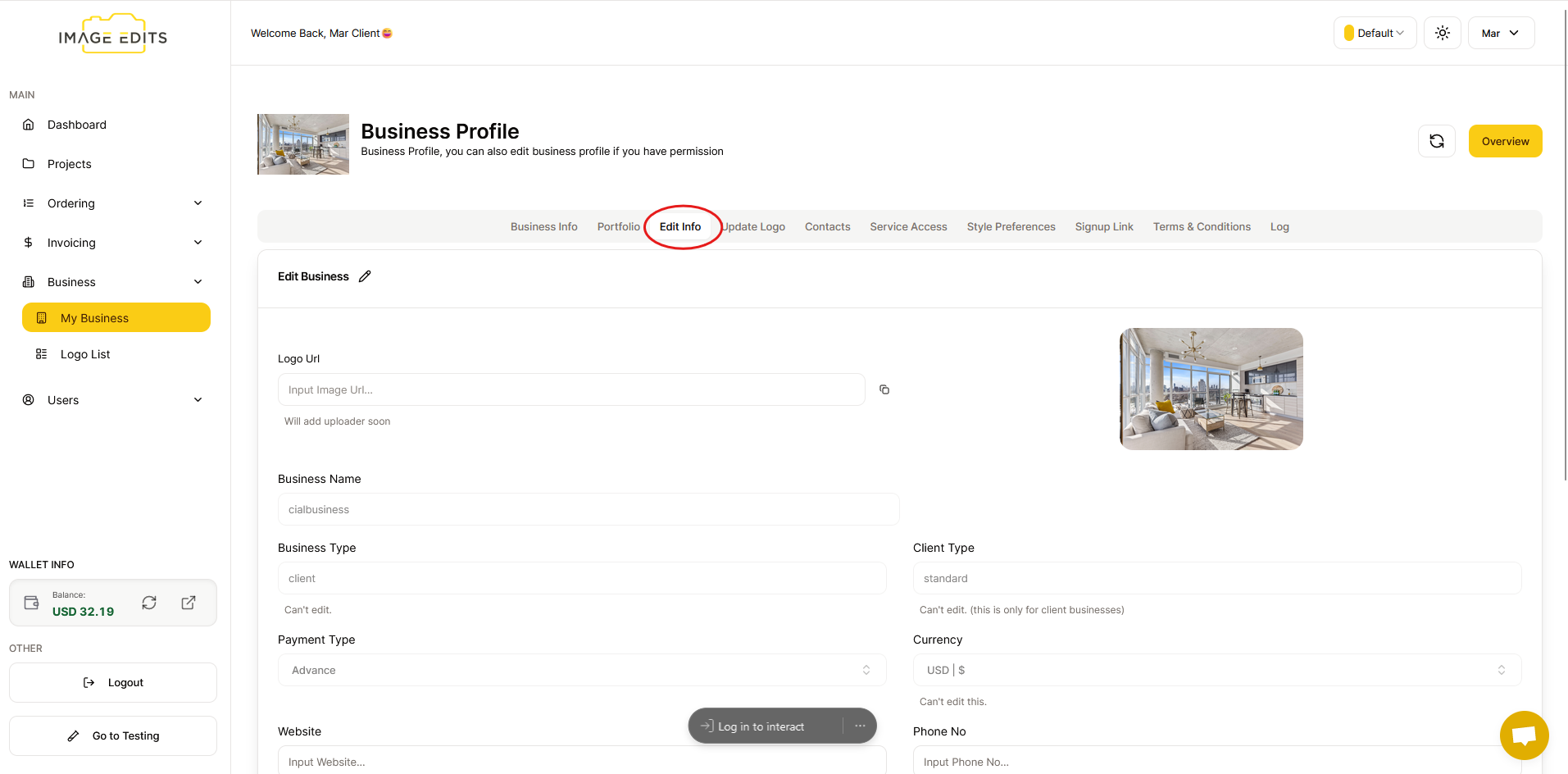
Step 2: Edit Information
Click "Edit info". Here, you can edit your information, although certain details may not be editable.
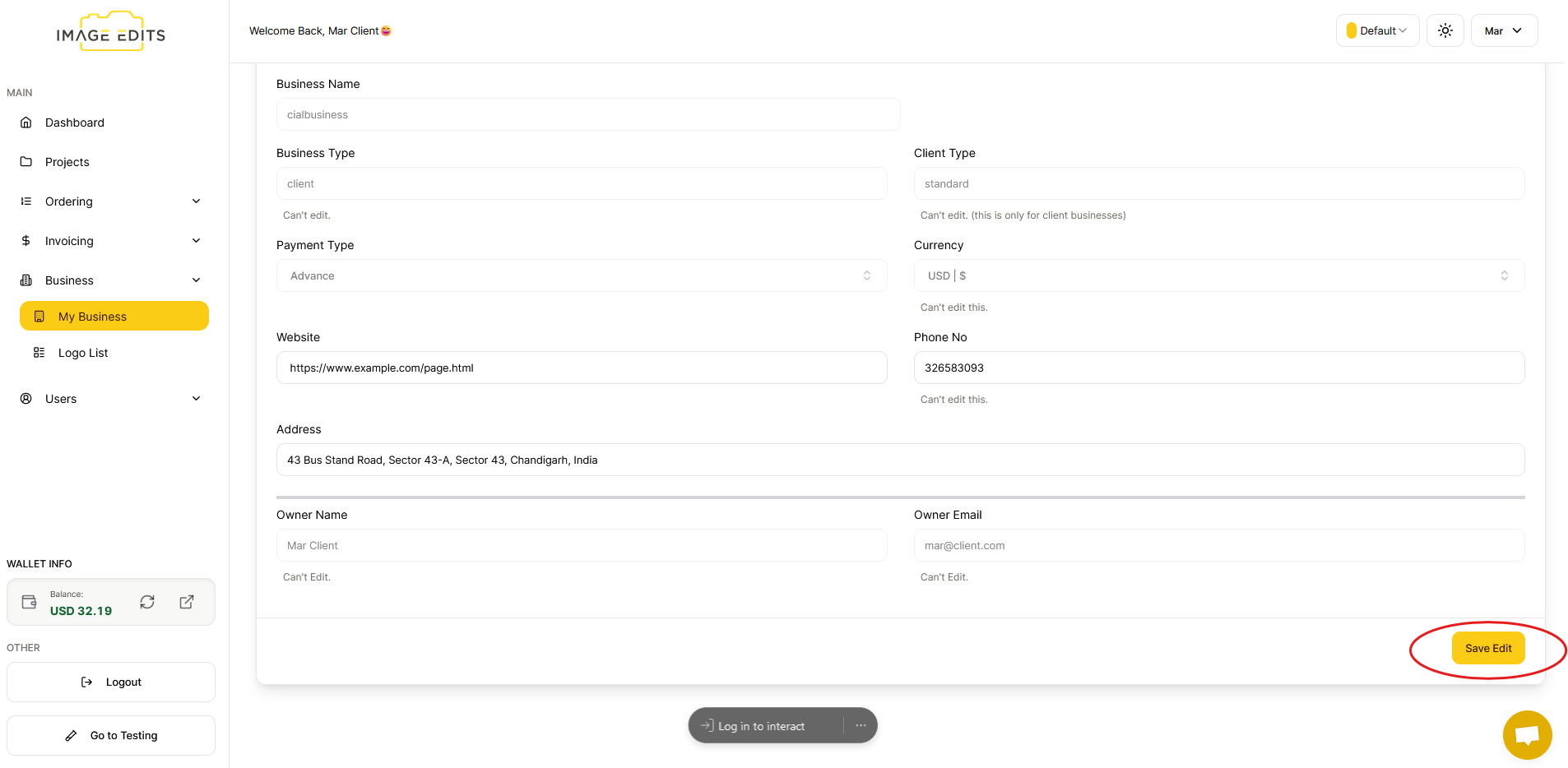
After you finish editing, click the "Save Edit" button.
Once done, go back to "business info" and there, you can see that your business profile information has been updated.