View Invoices And Filtering
This section is going to show you how to view all the invoices and explaining each filtering option
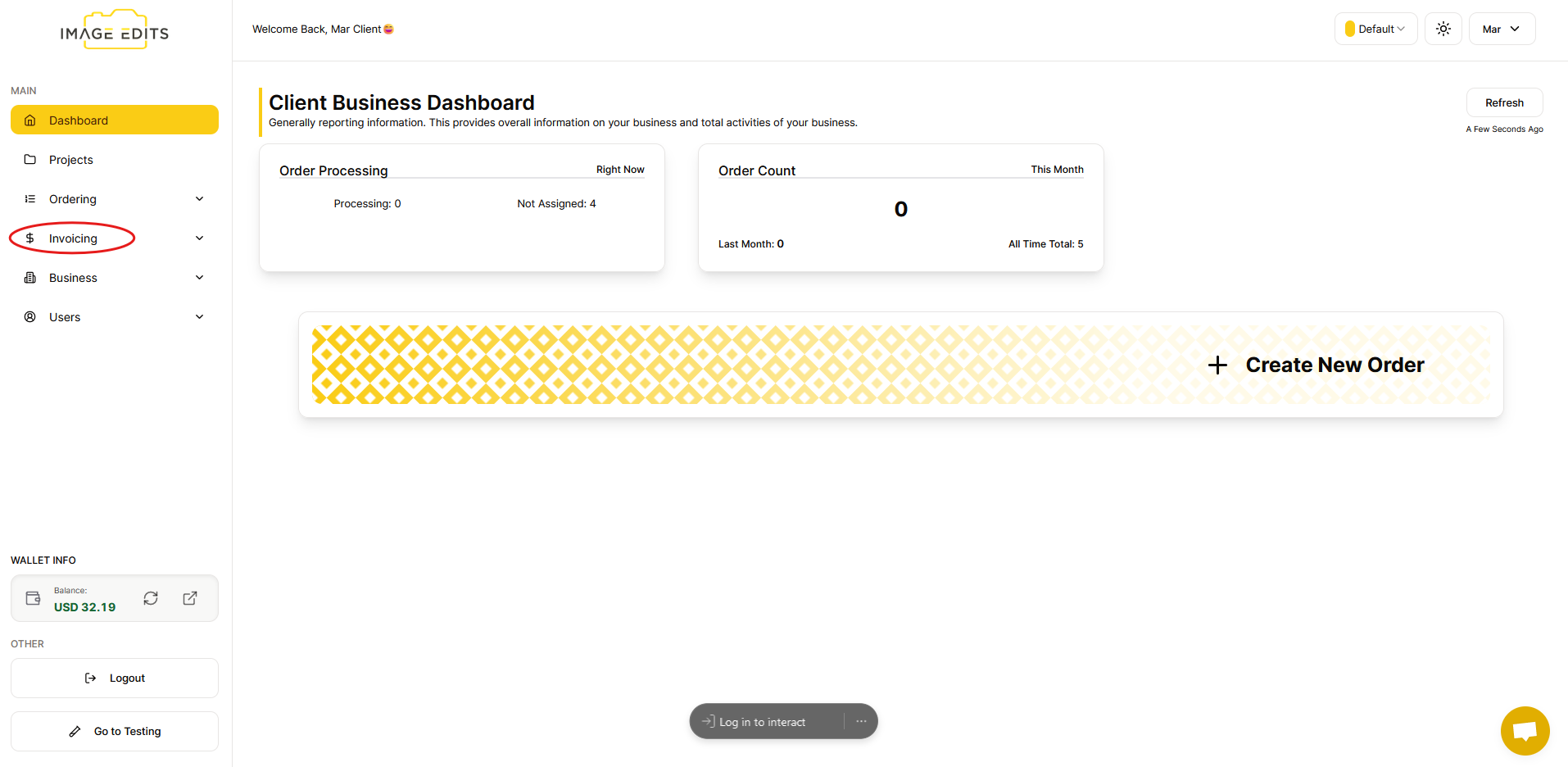
Go to "invoicing" section
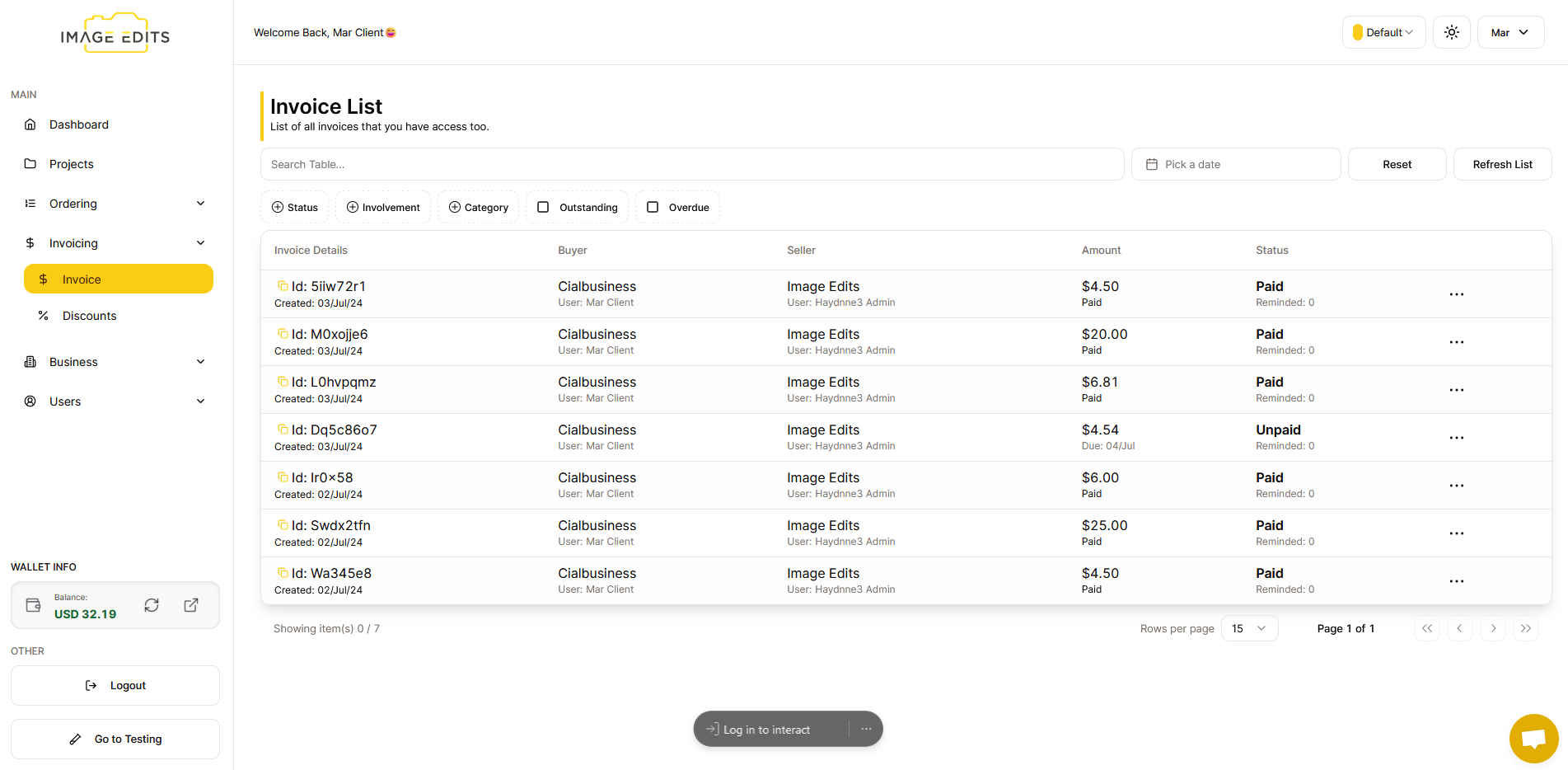
Click on "Invoice" where you can see all the invoices you have made.
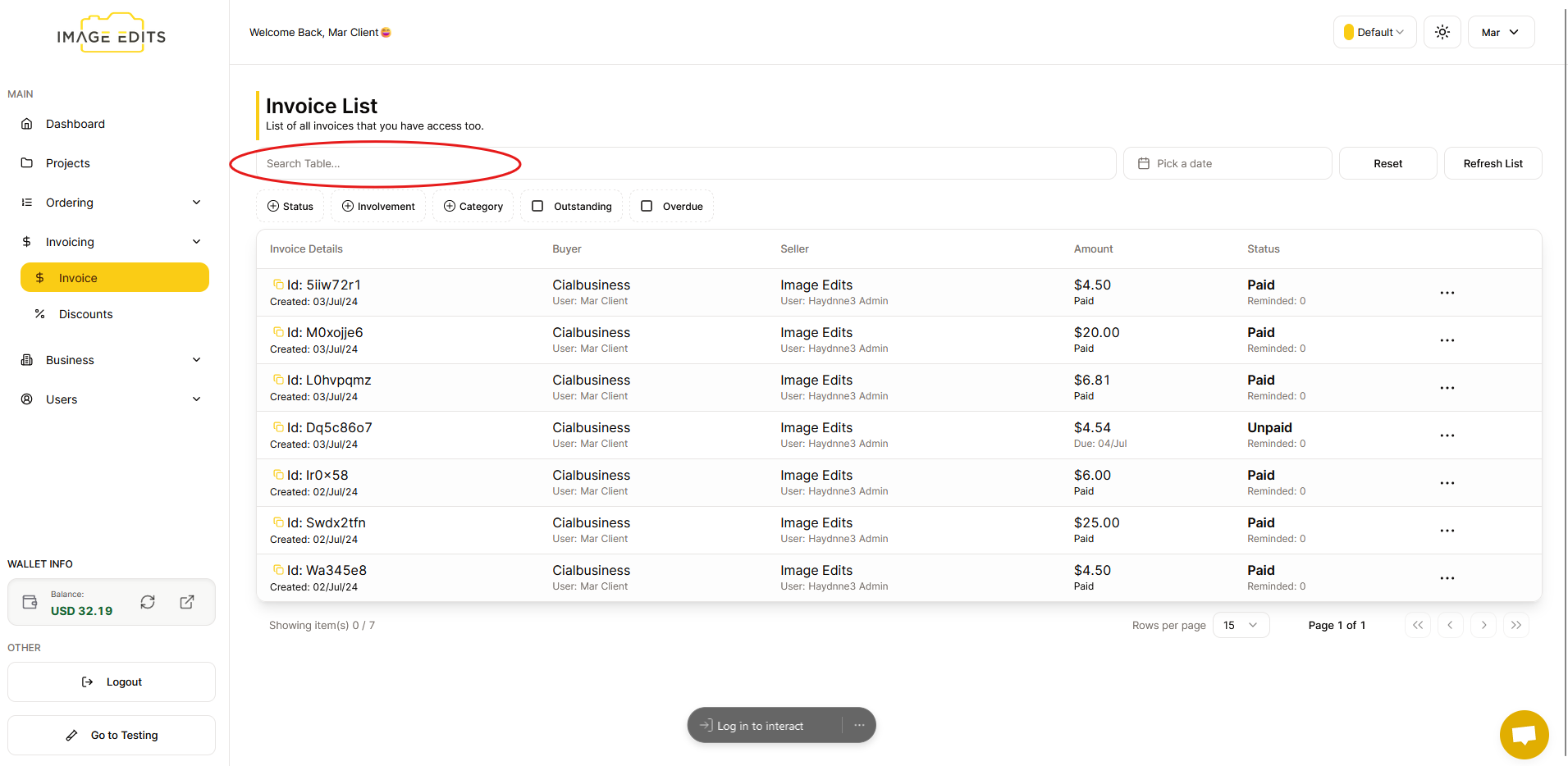
Search Table
Search table allows users to quickly find specific invoices by entering keywords.
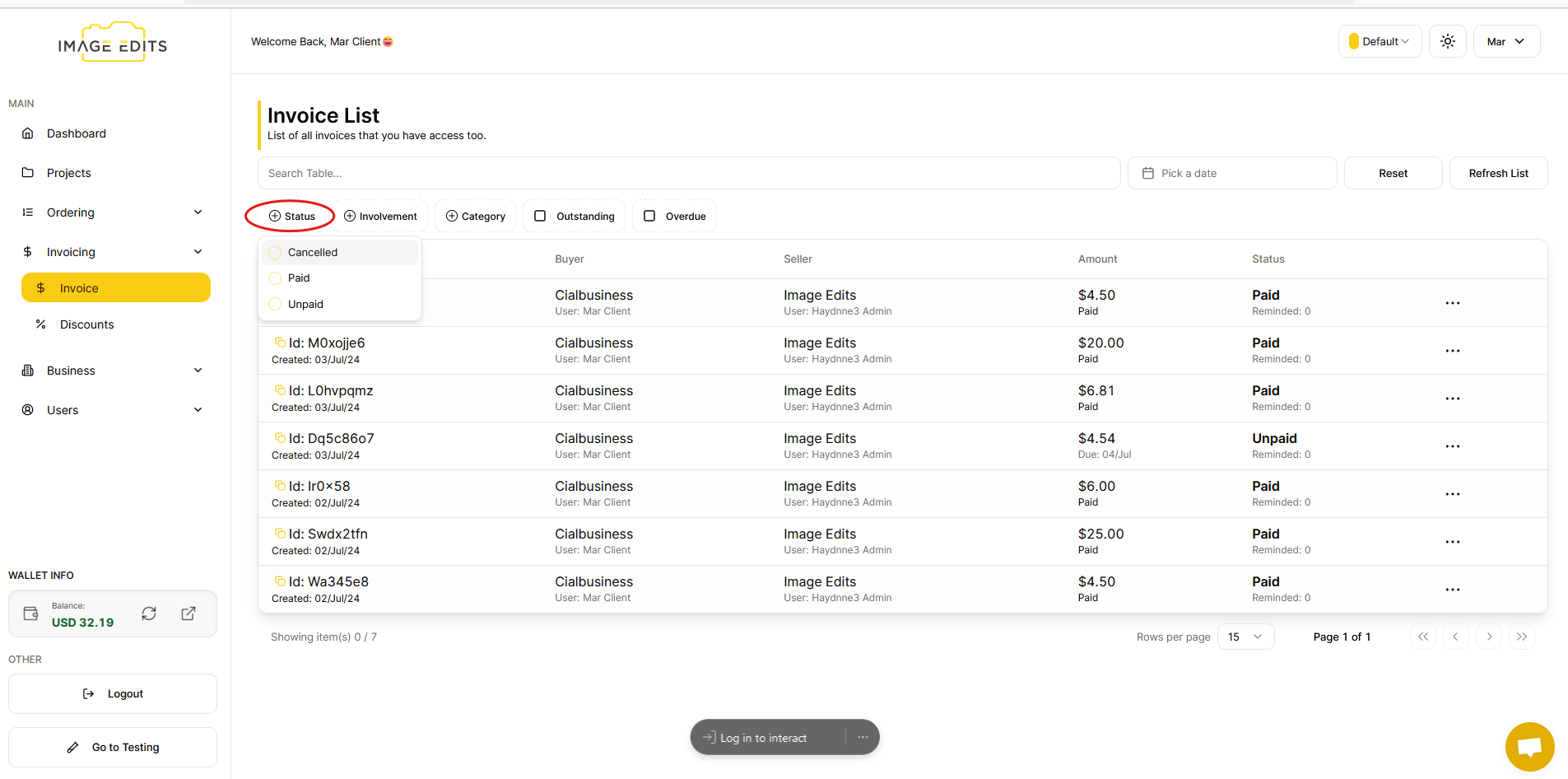
Status
The status filter allows users to find and view orders based on their status such as paid, unpaid, or cancelled.
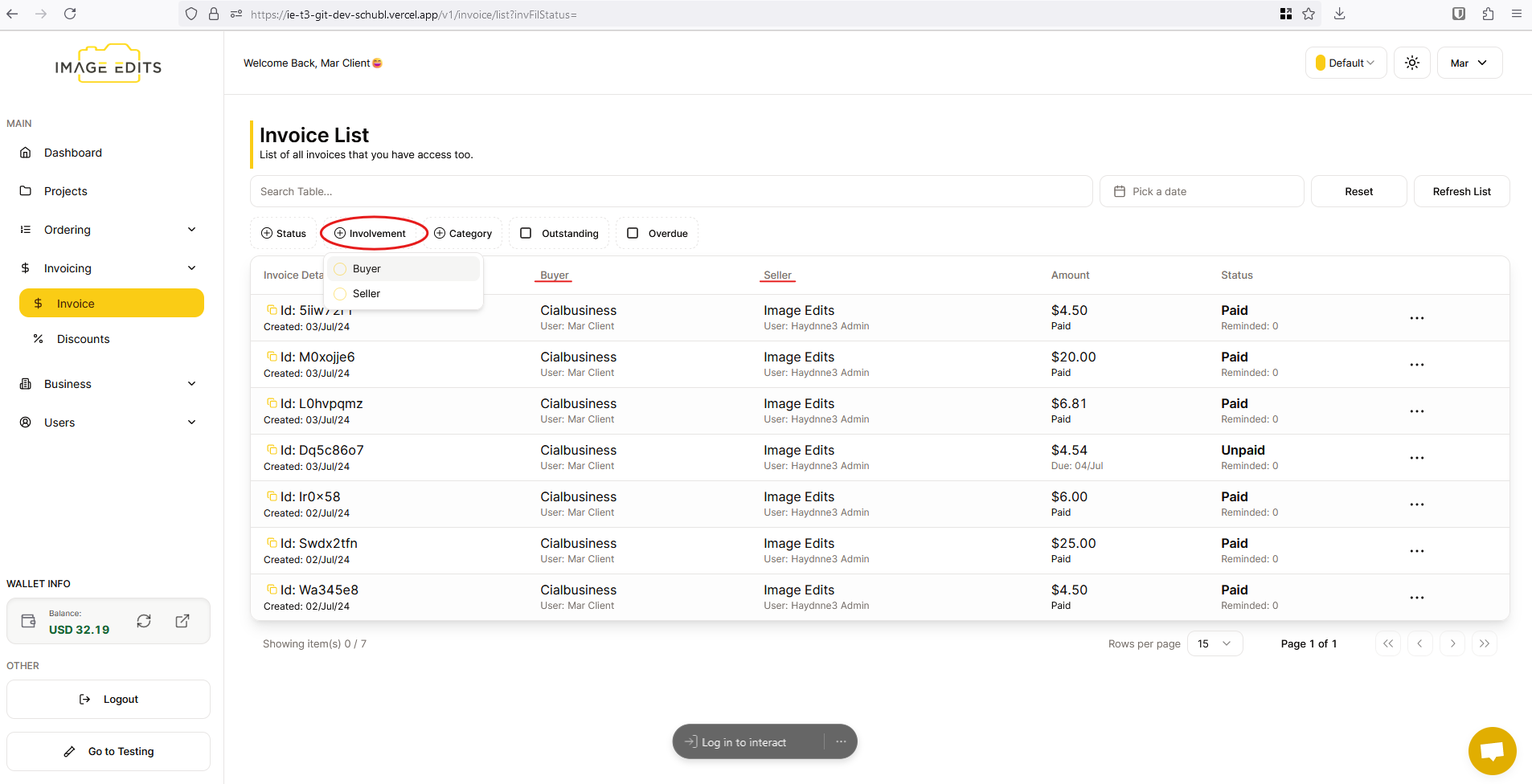
Involvement
With Involvement filter, users can sort invoices based on whether they are the buyer or the seller in different transaction. Buyer purchases services from the seller and pays according to the invoice and on the other side, seller provides services to the buyer and issues the invoice detailing items.
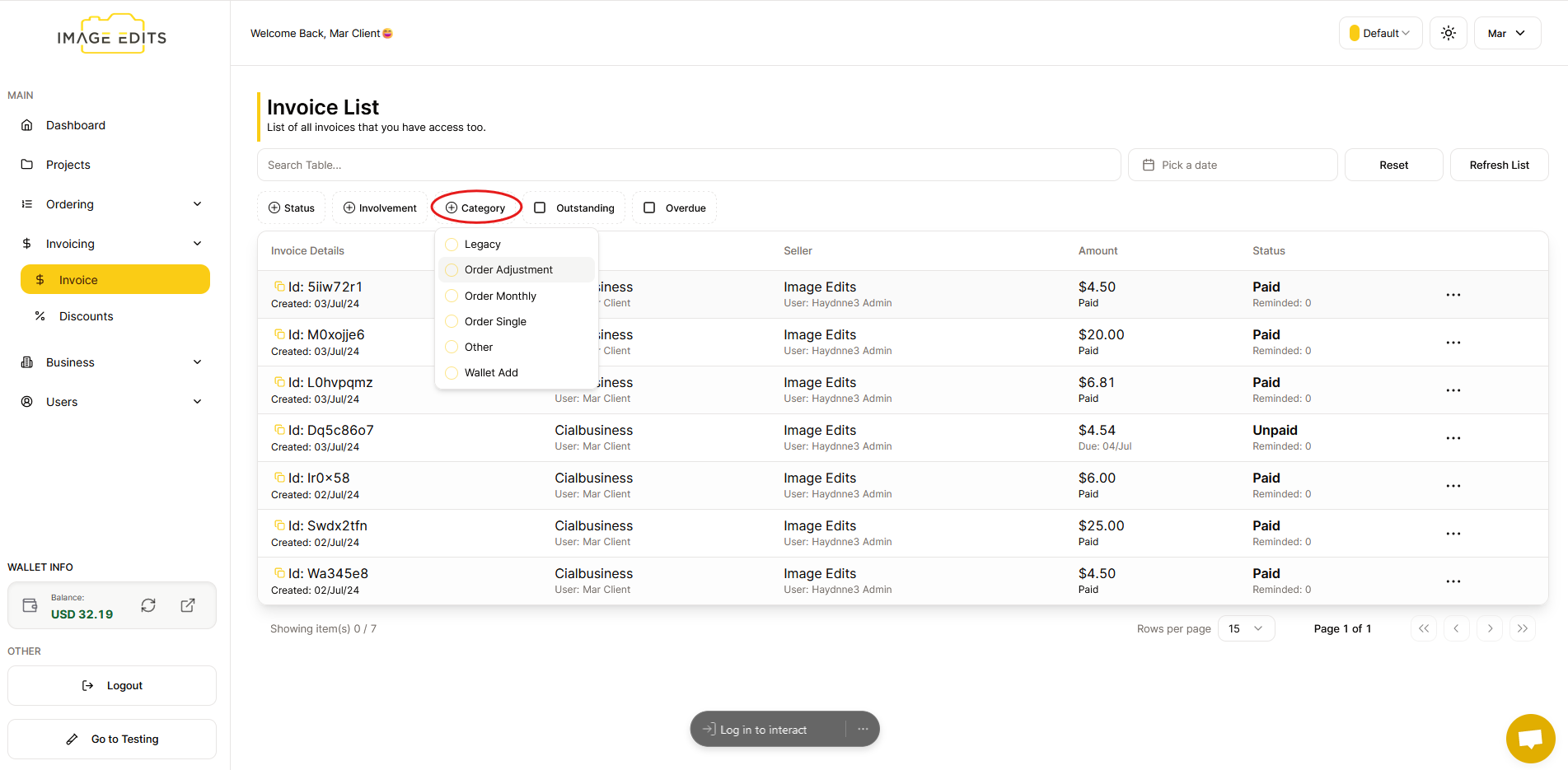
Category
The category filter allows users to sort invoices based on whether they are legacy, order adjustment, order monthly, order single, other, wallet add. "Legacy invoices" are older records kept for historical purposes. "Order Adjustment" invoices reflect changes to previous orders, like refunds or corrections. "Order Monthly invoices" are generated monthly for recurring services. "Order Single invoices" are for one-time purchases. Other invoices cover transactions not fitting specific categories but essential for records. "Wallet Add" invoices document additions to digital wallets or prepaid accounts.
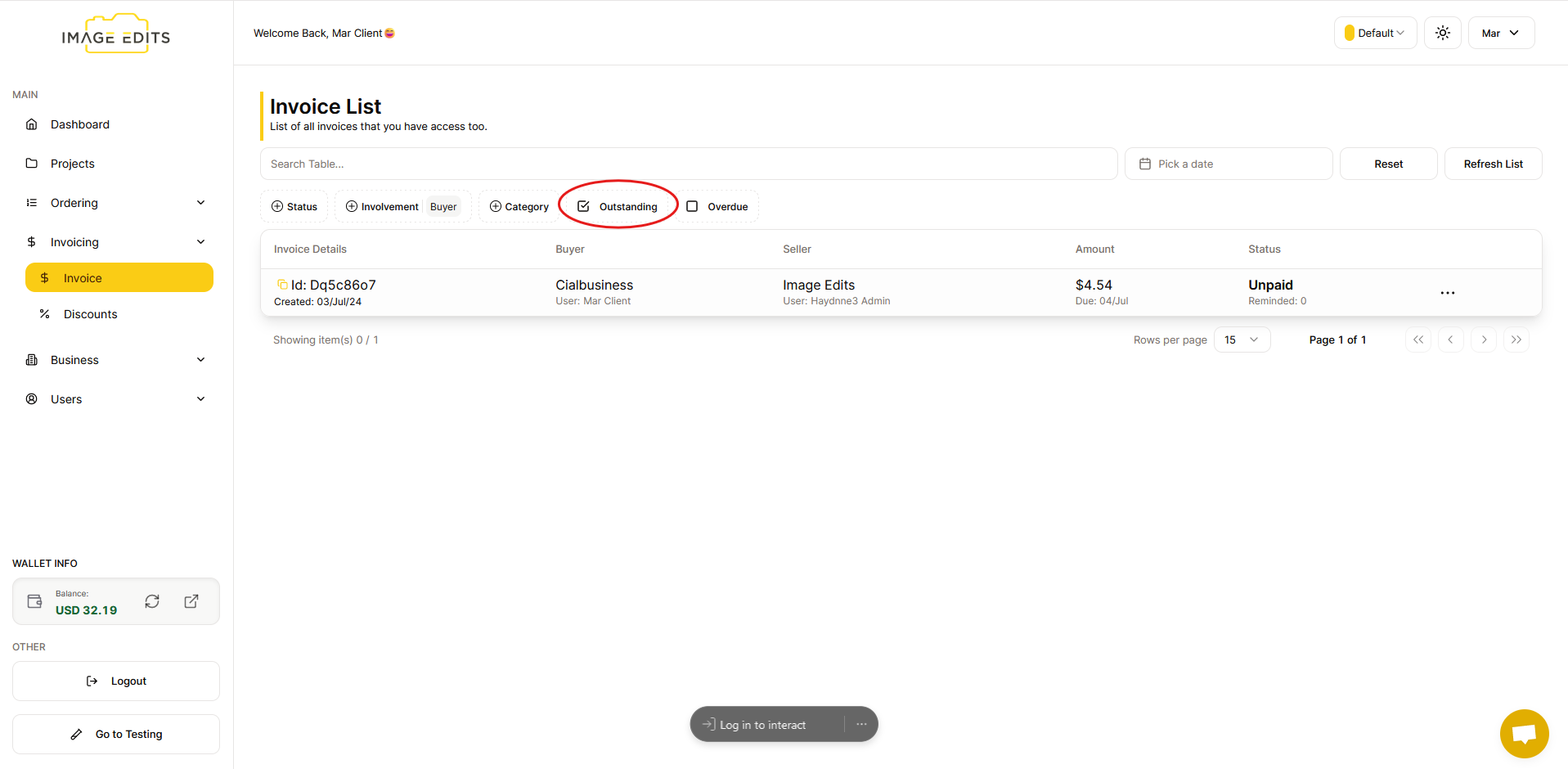
Outstanding
Outstanding is a term used to describe obligations, payments, or tasks that have not been fulfilled or settled within a specified period. It often refers to amounts that are overdue or remain unpaid, emphasizing the need for further action to complete transactions or meet obligations.
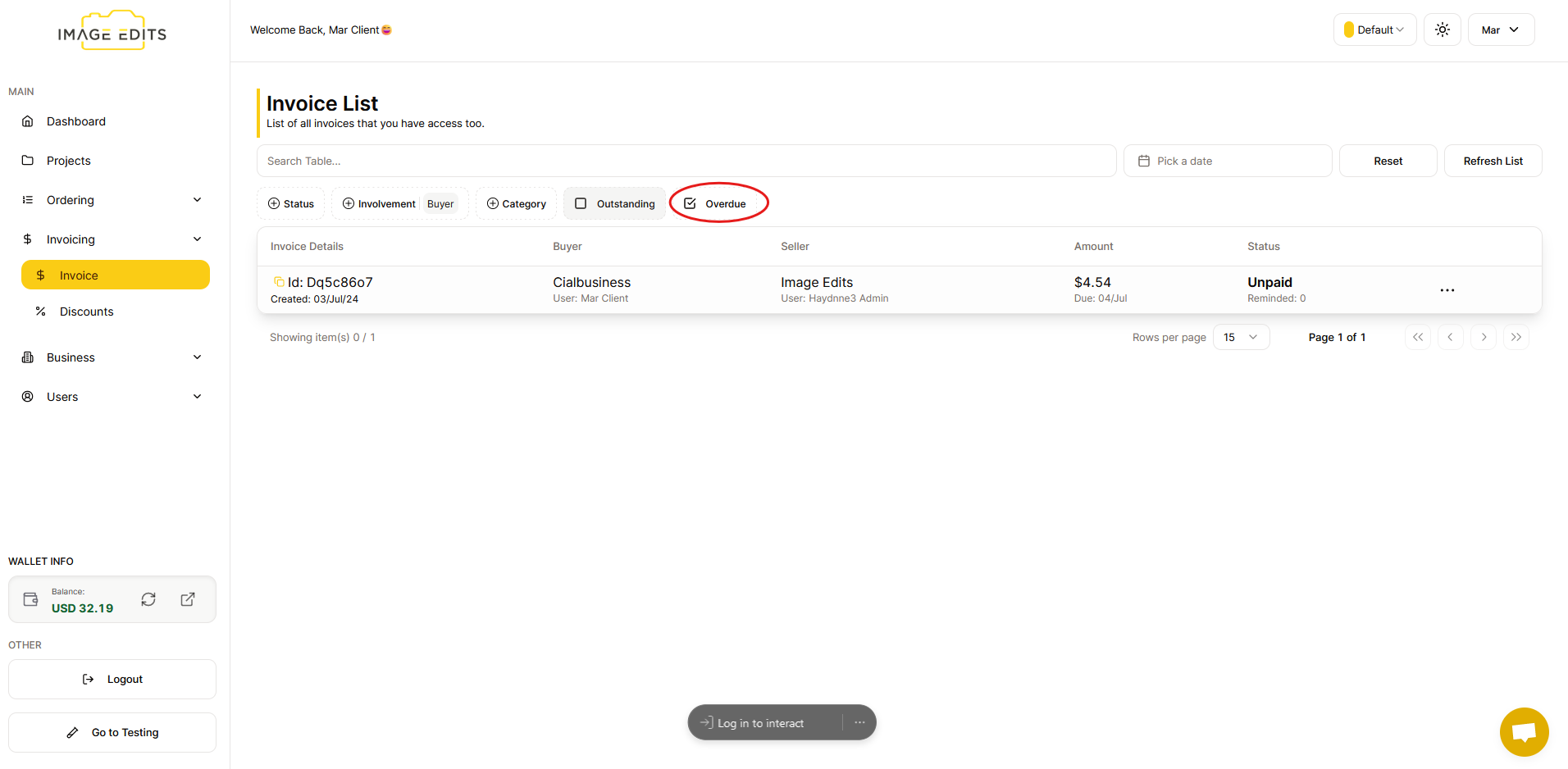
Overdue
The overdue filter helps users quickly find invoices that are past their due dates and have not been paid.
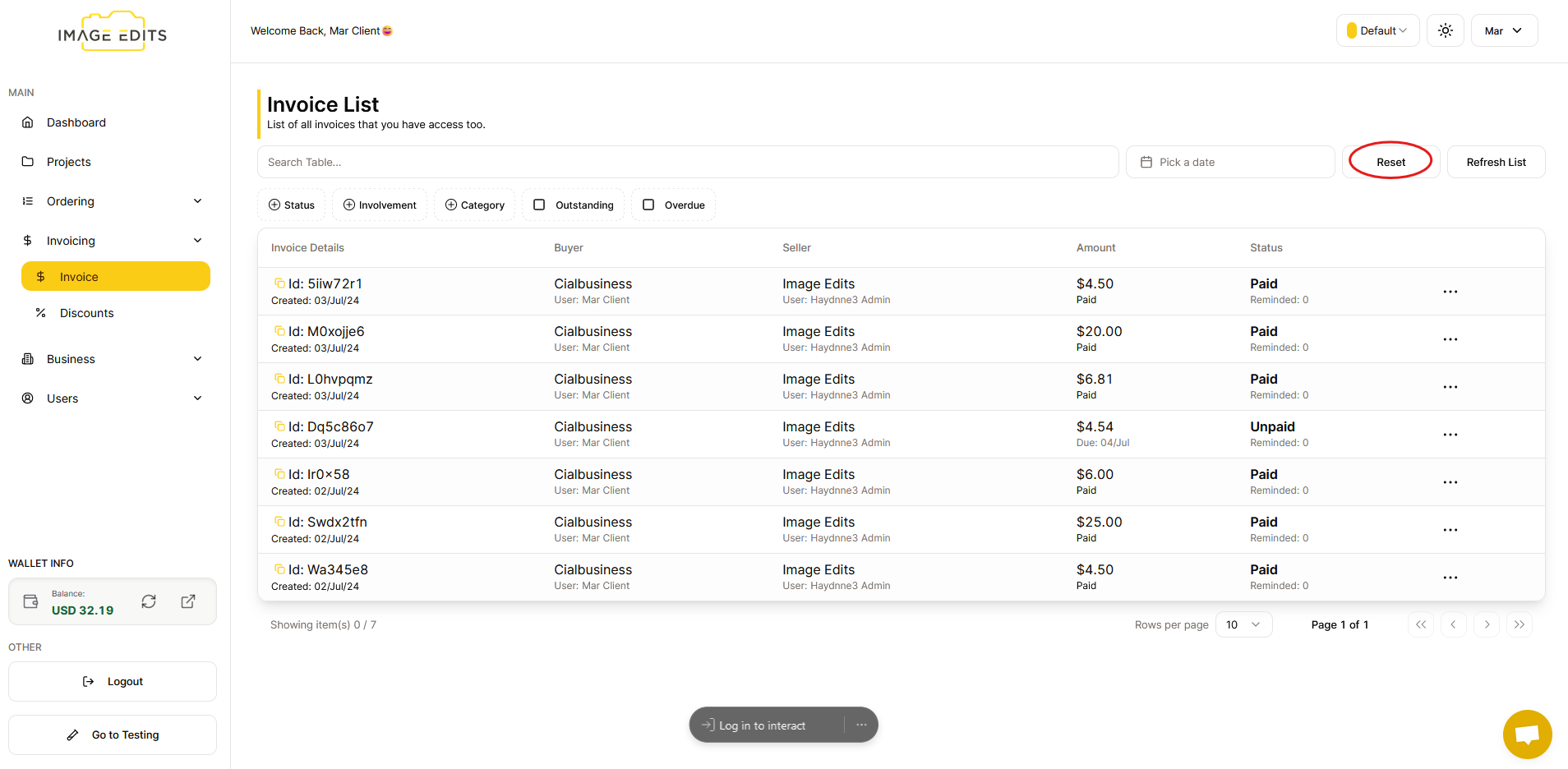
Reset
Upon clicking "reset", it typically refers to the action of clearing or reverting any filters that have been applied to a set of data, such as in a list or a table.