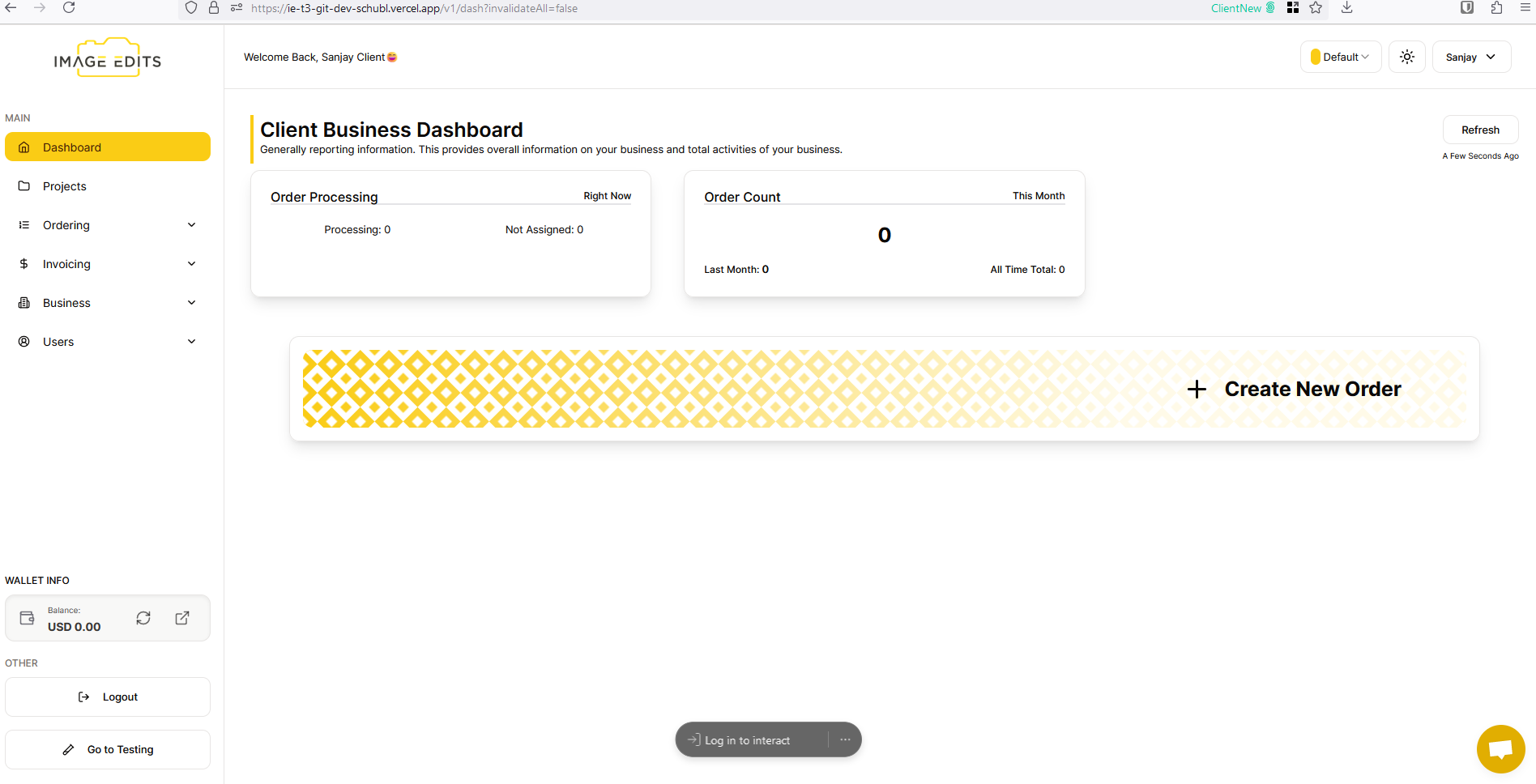
Sign Up Client Account
This section will guide you through the process of registering/signing up for a client account, a client user is a user that is wanting to order Image Edits Editing Services. This will create a whole new business for your account. If you are wanting to join as a member to existing account on Image Edits, you'll need to follow the Sign Up as a Client Team Member section.
See here: Sign Up as a Client Team Member
Prerequisite: You can't already be signed up and logged in with Image Edits, otherwise it will redirect you to your account.
Step 1: Access Sign Up Section
Go to Image Edits Website
On login page, select Sign Up
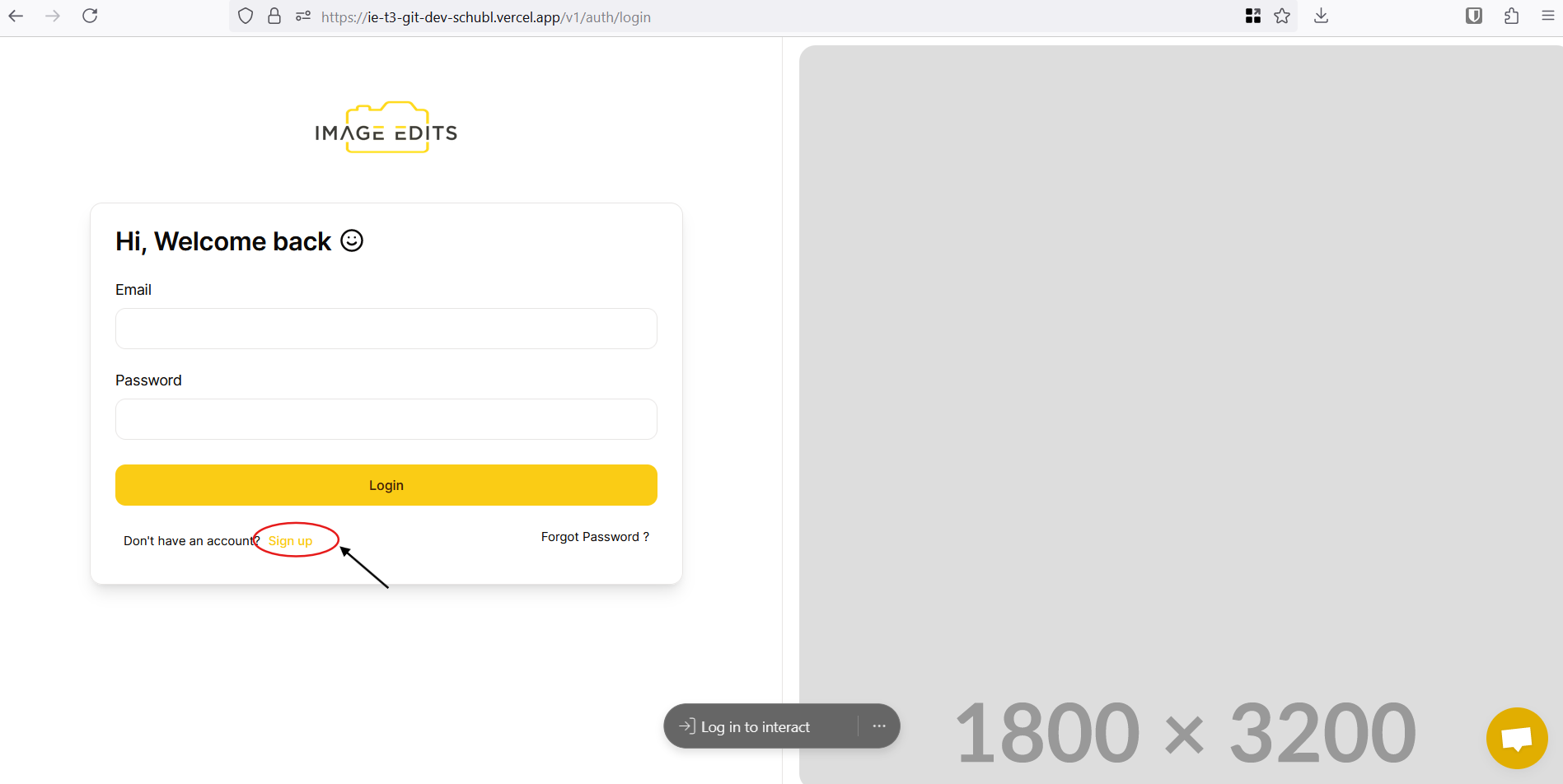
Step 3: Fill Out Account Creation Form
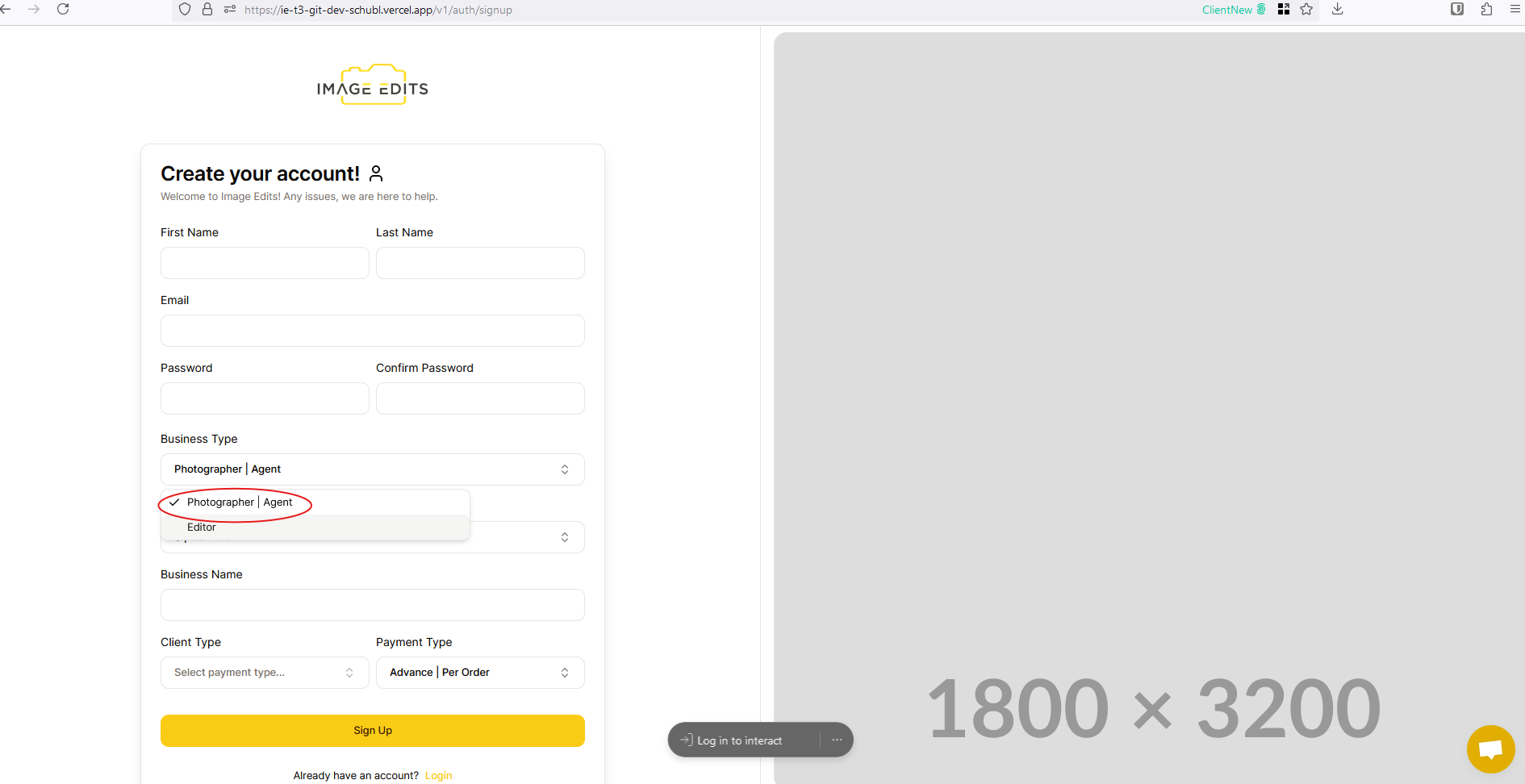
Fill out the sign up form as you normally would for any other site. We do have a few extra section below that you made not be sure about, we will explain below:
- Business Type: Select "Photographer | Agent"
- More Info: For a new client user signing up, we will create a business entity for you, this allows you to add team members to your business at a later date. Selecting a business type is important
-
Currency: You have the flexibility to select any currency of your preference for payments on future orders.
- This can not be changed later.
-
Client Type: We are highly focused on photographers, 99% of our photographers doing Real Estate Photography full time. We do have a few that are home owners themselves, builders, & marketing agencies.
- If you're a photographer (do it as a job), select "Photographer"
- If you're not a photographer, select "Standard"
Step 4: Finished
Once done, you will go straight to the website. You are all signed up. You'll also be send an email for you to verify your email address.
Can see more on that here: Email Verify